Practical Sales Training™ > How To Get Attention > Animated Profile Picture

Animated Profile Picture
What Is It
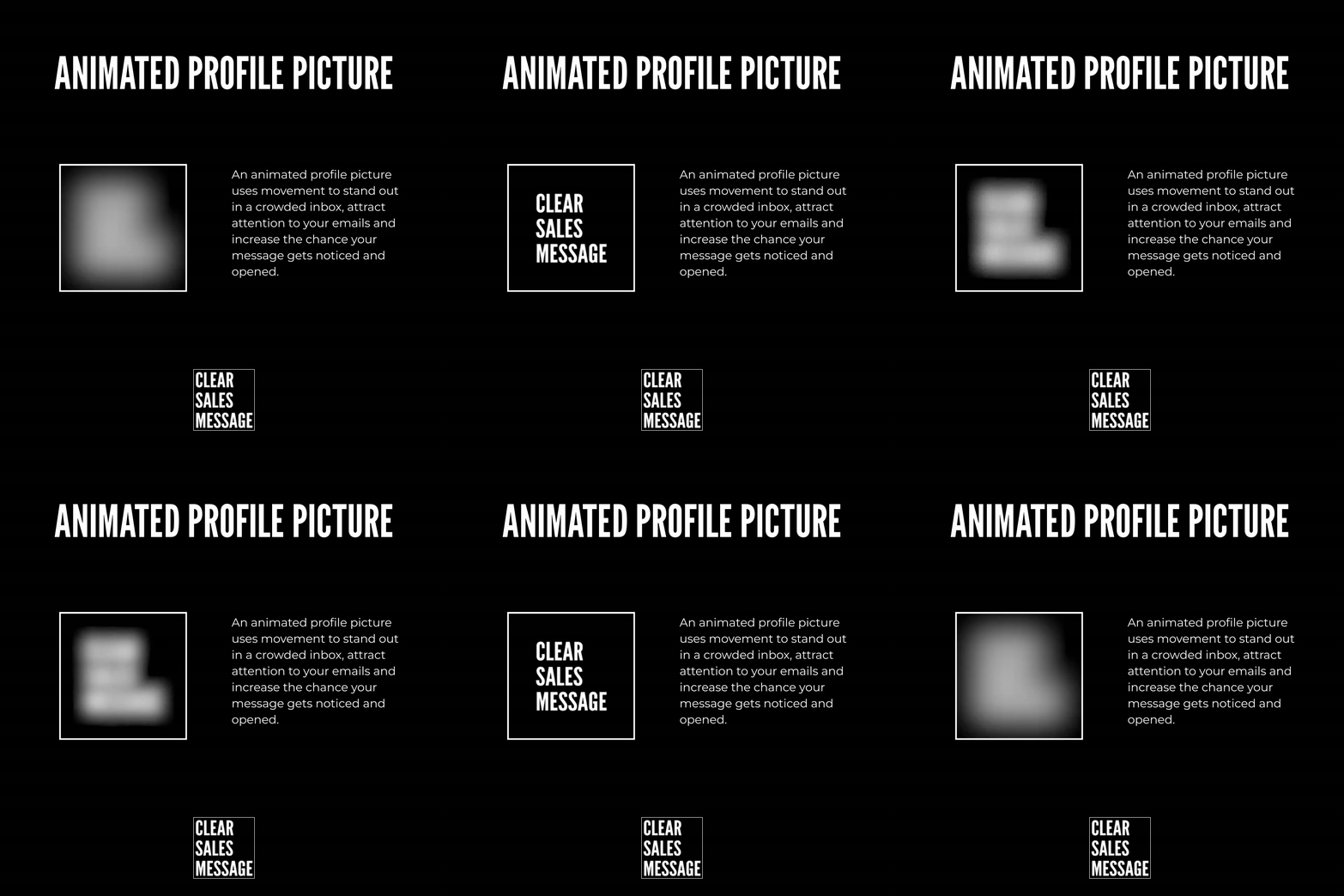
An animated profile picture is exactly what it sounds like. Instead of a static photo next to your name, you use a small looping GIF. It moves, even slightly, while everything else on the screen stays still.
Your inbox is full of names and faces that never change. A still photo blends into that row after row of sameness. A moving one doesn’t. It breaks the pattern the eye has learned to skip past.
Why Does It Work
Human eyes are wired to notice movement. It’s an old survival instinct. Something moving in your peripheral vision could be a threat, so your brain flags it before you’ve even decided to look.
An inbox has no threats, but the instinct still fires. A tiny bit of motion pulls the eye away from everything static around it. That’s the whole trick. You’re not shouting louder, you’re just the only thing that moves.
How Can You Use It
Keep The Movement Subtle
A small blur, a soft pulse, or a gentle shift in light works better than anything dramatic. You want people to notice it, not be distracted by it. Subtle movement still gets flagged by the eye, but it doesn’t look like a gimmick.
Use It Where Repeat Contact Happens
This works best in places where the same person emails or messages someone more than once. Sales follow-ups, recruiters, account managers. The more times your name shows up in that inbox, the more that small movement compounds in your favour.
Keep The File Size Small
Some platforms compress or strip animated images if the file is too heavy. Test it on the actual platform you’re using before rolling it out everywhere, since a broken animation looks worse than no animation at all.
When It Works Best
It works best on platforms that actually render the animation, like Gmail or certain CRM tools. It also works best when you’re a known contact rather than a stranger, because familiarity plus movement gets opened faster than either one alone.
When It Becomes Dangerous
Some platforms don’t support animated images at all. Instead of a subtle loop, the recipient sees a broken icon or a frozen frame. That looks careless, not clever. Always check rendering first.
It can also feel gimmicky if it’s too fast or too obvious. A profile picture that spins or flashes reads as spammy. You want a nudge, not a distraction.
Common Mistakes
Making It Too Loud
A picture that flashes or spins fast draws attention for the wrong reason. It looks like an ad, not a person. Slow, quiet movement holds attention. Fast movement repels it.
Ignoring Where It Won’t Render
Not every inbox or app plays GIFs. If yours doesn’t and you haven’t checked, your carefully made animation could show up as a blank grey box. Test on the exact platform your buyer will actually see it on.
Using A Picture That Doesn’t Look Like You
The animation gets attention, but the photo still needs to build trust. If it’s blurred beyond recognition or doesn’t look human, you’ve traded credibility for a flashy effect. Get noticed, but still look like someone worth trusting.
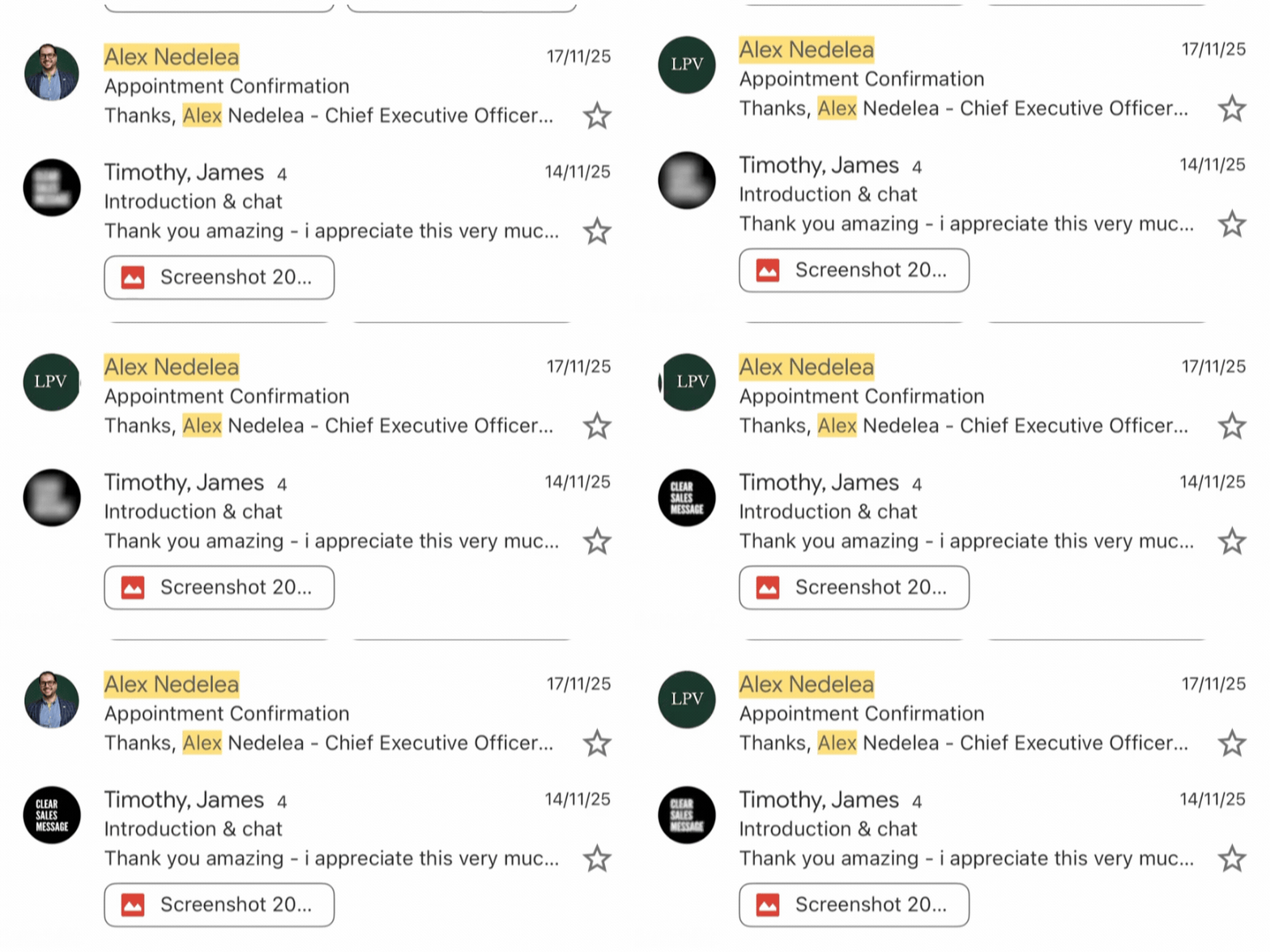
Animated Profile Picture – An Example
See Also