Practical Sales Training™ > How To Connect With Your Buyer > Tracking Pixels
Tracking Pixels
Most businesses know how many people clicked their ad. Far fewer know how many of those people bought. So they keep paying for ads that look busy but sell nothing.
Tracking pixels close that gap. They follow the journey past the click. As a result, you can see which messages turn into sales and which just turn into traffic.
What Are Tracking Pixels?
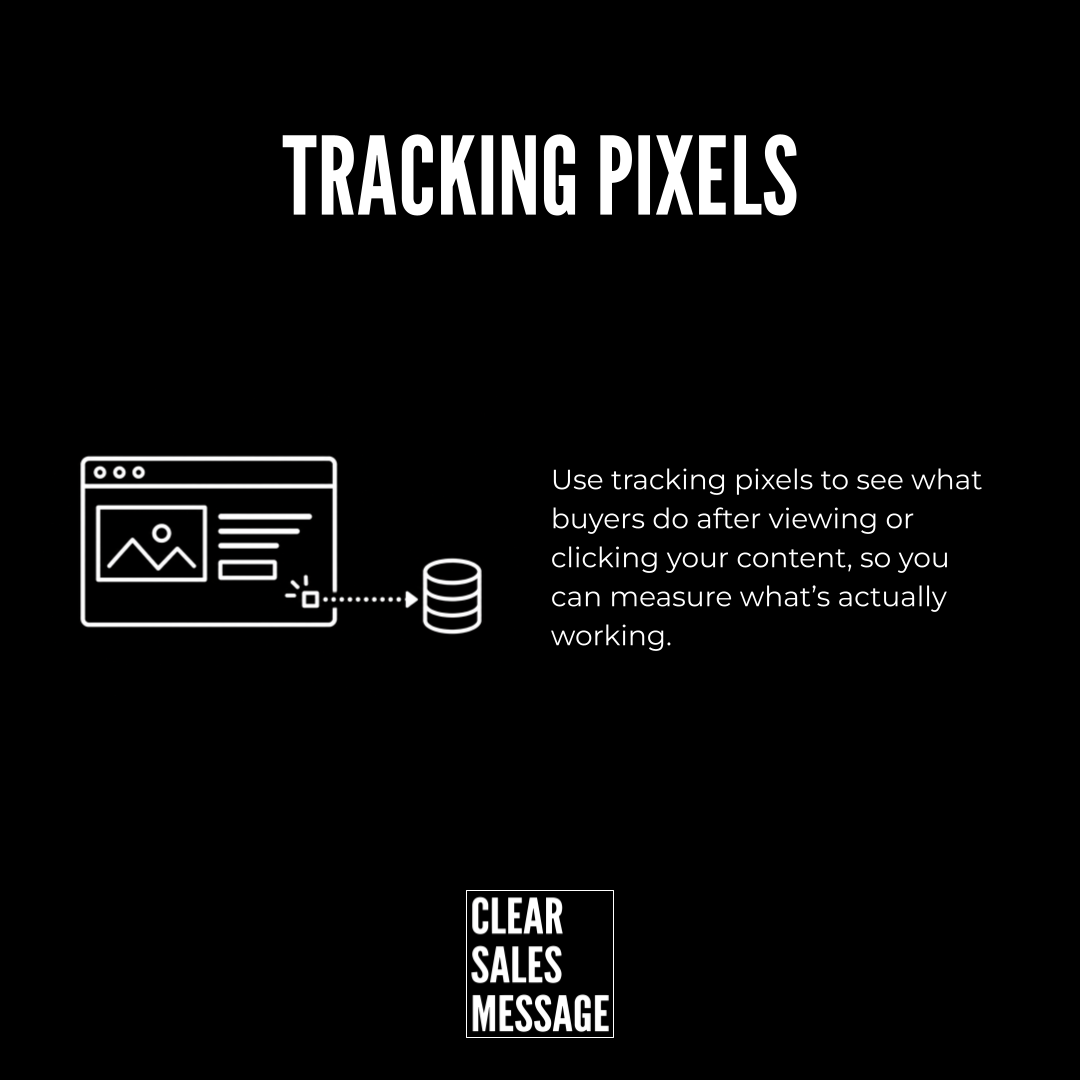
A tracking pixel is a tiny piece of code you add to your website or emails. It quietly records what a visitor does. That might be a page view, a sign up or a purchase.
The name comes from the early days, when it really was a tiny invisible image. Today it’s usually a short script. But the job hasn’t changed.
Most ad platforms have their own. Meta, Google, LinkedIn and TikTok all offer one. Each pixel reports back to its platform, so you can see which ads led to which actions.
Why Do Tracking Pixels Work?
Clicks tell you who was curious. Sales tell you who said yes. And those are two very different groups.
A pixel links the two. So you can see which ad, email or post actually brought in a buyer. Then you can spend more on what works and stop paying for what doesn’t.
Pixels also help you reconnect. Someone who visited your pricing page and left is a warm lead. A pixel lets you show them a follow up ad. In fact, that second message often lands better than the first.
How Can You Use Tracking Pixels?
Track the Action That Pays the Bills
Page views are easy to count. But they don’t pay you. So set your pixel to record the action that matters most. That might be a purchase, a booked call or a form.
Compare Messages as Well as Channels
Most people use pixels to see which platform works best. Go further. Run two versions of the same ad with different messages. Then let the pixel tell you which one sells. That’s how you learn what your buyers actually respond to.
Follow Up Based on What People Did
Someone who read three blog posts needs a different message to someone who abandoned their basket. So split your audience. Then speak to each group about where they are right now.
Check It Works Before You Spend
A broken pixel gives you wrong numbers. And wrong numbers lead to bad decisions. So test every pixel with a real visit and a real action before you launch.
When Do Tracking Pixels Work Best?
Tracking pixels work best when you spend money on ads. The more you spend, the more it costs to guess. So pixels pay for themselves fast.
They also work well when the buyer journey has a clear end point online. A checkout, a booking page or a sign up form gives the pixel something to count.
Finally, they help when you test lots of messages. Without them, you only know what got attention. With them, you know what got results.
When Do Tracking Pixels Become Dangerous?
Tracking pixels get risky when you ignore privacy rules. In the UK and EU, you need clear consent before you track most visitors. So get your cookie banner and privacy policy right.
They also backfire when follow up ads feel creepy. If someone sees your ad everywhere for weeks, they start to feel watched. As a result, interest can turn into irritation.
And pixels never tell the whole story. Lots of buyers see an ad, think about it and come back days later on another device. So pixels miss some sales. Treat the numbers as a guide.
What Are the Common Mistakes With Tracking Pixels?
Setting It Up and Never Looking
Plenty of businesses install a pixel and forget it. The data sits there unused. So book a regular time to check what it’s telling you.
Tracking Too Many Things
When you track everything, nothing stands out. Instead, pick the few actions that lead to sales. Then watch those closely.
Chasing Them Too Hard
Showing the same ad again and again wears people out. So cap how often people see your follow ups. Also, stop showing ads to people who already bought.
Skipping Consent
Fines and lost trust cost far more than the data is worth. So ask first, and be clear about what you track.
Tracking Pixels – An Example
How ASSOS Measures Which Ads Lead to Sales
ASSOS, the cycling-clothing brand, uses the Meta pixel to track purchases and other conversions from its Facebook and Instagram ads. It says so in its privacy policy. iubenda.com
That helps it measure which ads lead to sales, beyond simply counting clicks.
For a brand like ASSOS, that matters. Its kit is high end. So buyers often look a few times before they buy. A pixel helps connect that first ad to the final order. So the brand can back the messages that bring in buyers, instead of the ones that just bring in browsers.
And notice where the detail lives. ASSOS tells visitors about it in plain sight, in its privacy policy. That’s the right way round. Track what helps you sell, and be upfront about it.
See Also