

Understand Your Buyer > How To Keep Your Clients Happy > The Progress Effect
The Progress Effect
What Is It
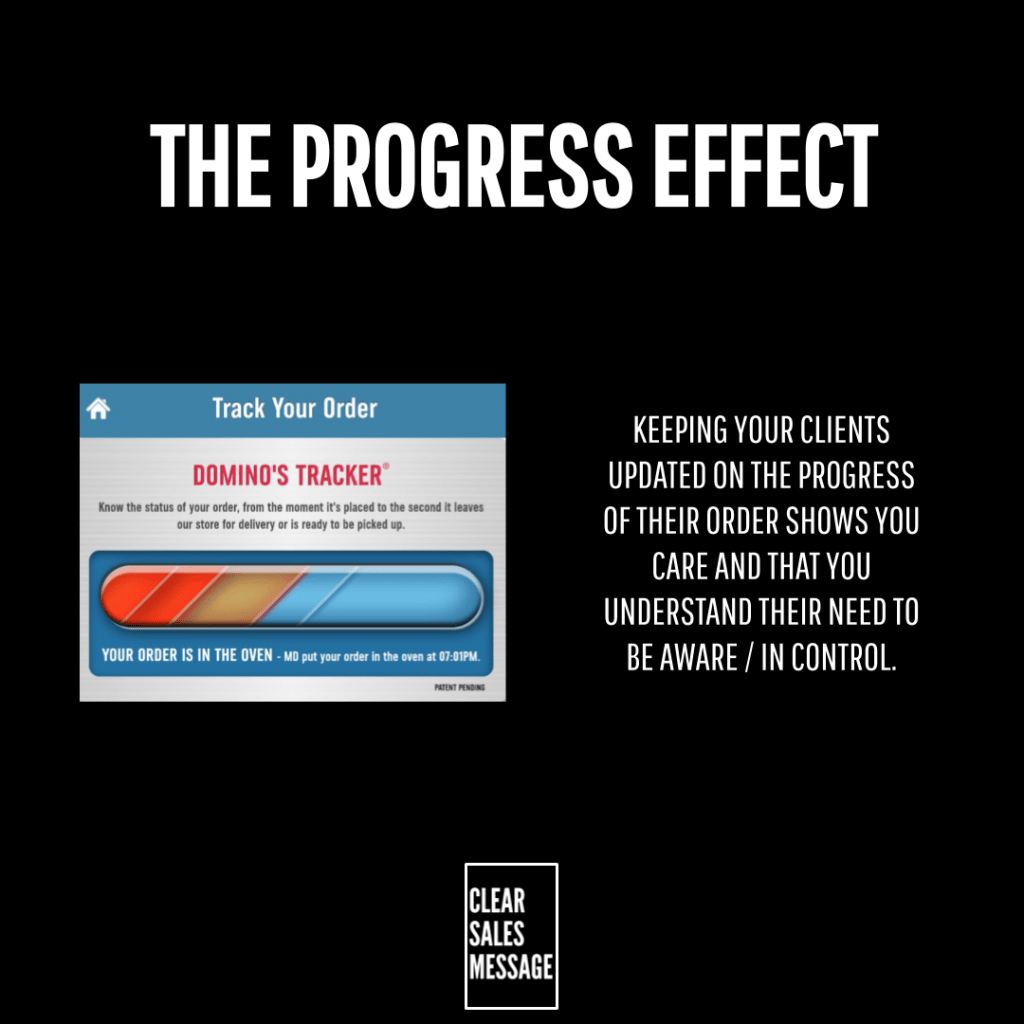
The Progress Effect is all about keeping your buyers updated on their order or their dealings with you. Instead of leaving them guessing, you tell them exactly where things stand.
It sounds small, but it changes how a buyer experiences the whole process. Silence makes people nervous. A quick update, even a short one, makes them feel handled.
This isn’t just for delivery tracking either. It applies to any process with stages, a project, an application, an onboarding, or a repair. If there are steps, there’s room for progress updates.
Why Does It Work
Your buyers want to feel taken care of. They want proof that they’re in the hands of professionals, not just a name on a list somewhere.
By updating your client throughout their process with you, you convey confidence, certainty and expertise without saying a word about how good you are. The update does that job for you.
It also reassures the client on three things at once: where they are, what comes next, and how long the whole thing might take. That removes the three biggest sources of buyer anxiety in one message.
There’s a deeper reason this matters too. Silence makes people fill the gap with their own assumptions, and those assumptions are almost always worse than the truth. So a short update stops that spiral before it starts.
How Can You Use It
Map and name your process first
Depending on your business and brand, document your process into clear stages, then consider naming each one. A named stage feels official. An unnamed one just feels like a guess.
This matters more than it sounds. “We’re working on it” tells the buyer nothing. “Stage 3 of 5: Final Checks” tells them exactly where they stand, and that specificity is what actually reduces anxiety.
Update at each stage, not just at the end
At each stage of the process, use your named system to update your clients on where they are and what’s coming next. Waiting until the end and delivering one big update misses the entire point.
The value isn’t in the final message, it’s in the drip. Each small update buys you trust in the quiet middle of a process, exactly when buyers are most likely to start doubting you.
Automate it so it never gets forgotten
Manual updates get skipped the moment you’re busy, and busy is most of the time. So build the update into your system, an email trigger, an app notification, a text, so it fires whether you remember or not.
You’ll see this in everyday use by a number of companies you already deal with. It’s not a nice extra they’ve added on, it’s become the expected baseline.
When It Works Best
This works best on anything with a wait built into it, delivery, repair, application, onboarding. The longer the gap between order and outcome, the more an update is worth.
It also works best when the update is specific rather than generic. “Your order is being processed” is weak. “Your order left our warehouse at 9am and arrives tomorrow” does the actual reassuring work.
When It Becomes Dangerous
It backfires the moment an update is wrong. A message saying “arriving today” that doesn’t show up does more damage than no message at all, because it breaks a promise you didn’t need to make.
It also becomes noise if you send too many updates, or updates with nothing new to say. Buyers switch off notifications that don’t earn their attention, and once they do, your real updates get ignored too.
Vague, robotic updates can hurt as well. A generic “your request has been received” template feels colder than silence, since it proves a machine is handling you rather than a person.
Common Mistakes
Only updating when something goes wrong
Plenty of businesses stay silent when things are on track, and only message when there’s a delay. That trains buyers to panic the moment they hear from you, which is the opposite of what an update should do.
Making the buyer chase the update
If someone has to log in, call, or email to find out where they stand, you’ve already lost the benefit. The whole point of the Progress Effect is that it comes to them, not the other way round.
Treating every stage as equally important
Not every stage deserves the same weight. A minor internal step buried in jargon confuses people more than it reassures them. Pick the stages that actually matter to the buyer, and update on those.
The Progress Effect – An Example
Amazon Order Updates
When you order from Amazon, you’re kept informed at every step:
- Order received
- Preparing for dispatch
- Dispatched
- Out for delivery
- Delivered
You also get email and app notifications at each stage. As a result, this reduces uncertainty, builds trust, and keeps the customer feeling in control the entire time.
See Also

