Practical Sales Training™ > How To Convert > 360 Degree Viewing
360 Degree Viewing
A photo shows one angle. A video shows whatever the camera operator chose to show. But 360 degree viewing hands the buyer the controls, so they can look exactly where they want, for as long as they want.
That’s a big shift. Instead of trusting your description of a room, a venue, or a product, the buyer gets to check it for themselves.
This page covers what 360 degree viewing is, why it removes so much hesitation, and how to use it properly to help buyers say yes faster.
What Is 360 Degree Viewing?
360 degree virtual viewing lets someone explore something remotely, as if they were standing right there in person.
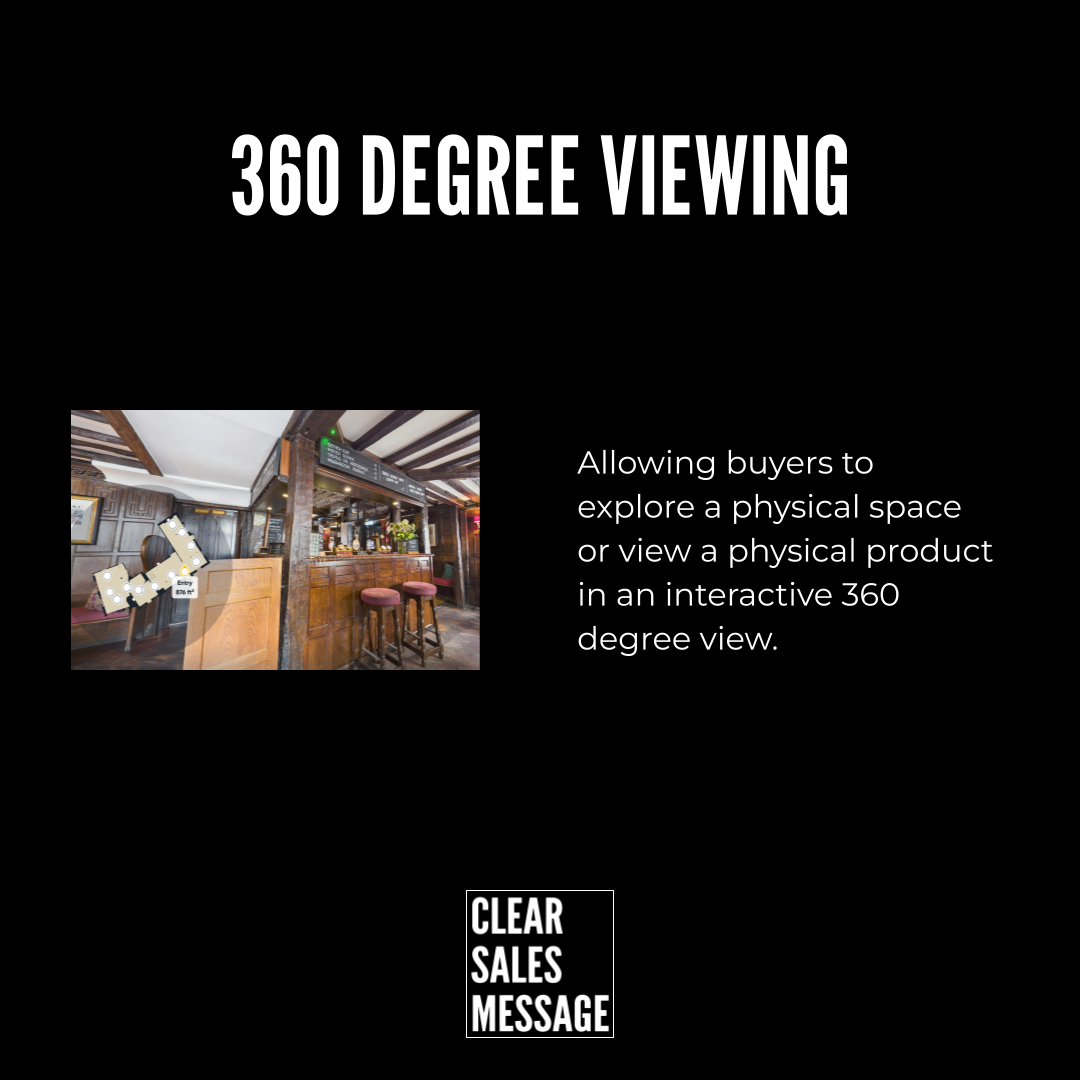
For products, buyers can rotate the item and inspect every angle. For physical spaces, like restaurants, hotels, gyms, salons, or venues, they can look around the room, move between areas, and get a real feel for the place.
It does three things well: it reduces uncertainty, it builds trust, and it helps people say yes faster.
You might also hear it called a 360 virtual tour, a 360 spin, an interactive tour, or immersive viewing. Whatever the name, the goal stays the same. Remove doubt before the decision gets made.
Why Does 360 Degree Viewing Work?
For products, several images get captured from every angle and stitched into one interactive viewer. The buyer drags or swipes to rotate and zoom, just like they’re holding the item in their own hands.
For physical spaces, a specialist 360 camera captures panoramic shots from different points in the space. These then connect together into one walkthrough the buyer can move through freely.
A customer browsing the website can look around the room, move between spaces, zoom into small details, and get a real sense of layout and atmosphere, all without leaving their home. Swiping does the job on mobile, while a click and drag handles it on desktop. Either way, it feels natural, because the buyer is doing the exploring instead of just watching it happen.
This matters because uncertainty is what stalls a decision. The moment a buyer can see something for themselves instead of imagining it from a description, the gap between interest and commitment gets a lot smaller.
How Can You Use 360 Degree Viewing In Sales?
Pick The Right Tool For The Job
Use 360 degree software or a specialist company that can capture your product or space properly in every dimension. The setup differs slightly for products versus physical spaces, so choose a tool built for what you’re actually showing.
Put It Where The Doubt Lives
Add the viewer right next to the point where buyers usually hesitate, whether that’s a product page, a booking page, or a venue listing. So the proof shows up exactly when the buyer needs it, not buried somewhere else on the site.
Keep It Easy To Use
A clunky viewer creates new friction instead of removing old friction. Buyers should be able to swipe or drag without any instructions needed, because the whole point is that it feels effortless.
When 360 Degree Viewing Works Best
It works best for anything a buyer would normally want to see in person before committing. Hotels, venues, gyms, salons, and big-ticket products all benefit, because the buyer’s biggest hesitation is usually “I’m not sure what I’m actually getting.”
It also works well for high-consideration purchases, where the buyer is comparing several similar options. A 360 view lets your listing stand out instantly against competitors offering nothing but static photos.
When 360 Degree Viewing Becomes Dangerous
A poor-quality or misleading 360 view does more damage than no viewer at all. If the real product or space looks worse than the virtual tour suggested, the buyer feels deceived, and that feeling sticks.
It can also backfire if it’s the only proof you offer. A 360 view shows appearance, not everything a buyer needs to know. So pair it with reviews, pricing clarity, and real information instead of treating it as the whole pitch.
Common 360 Degree Viewing Mistakes
Using Low-Quality Footage
A blurry or poorly lit 360 view can hurt trust more than a few simple static photos. If you’re going to show every angle, make sure every angle looks good.
Burying It On The Page
A 360 viewer hidden below the fold or several clicks deep rarely gets used. Put it where buyers will actually see it, ideally right where they’re already deciding.
Showing An Unrepresentative View
Capturing the space on its best day, fully staged and perfectly lit, sets an expectation the real thing might not meet. Show buyers what they’ll actually get.
360 Degree Viewing – An Example
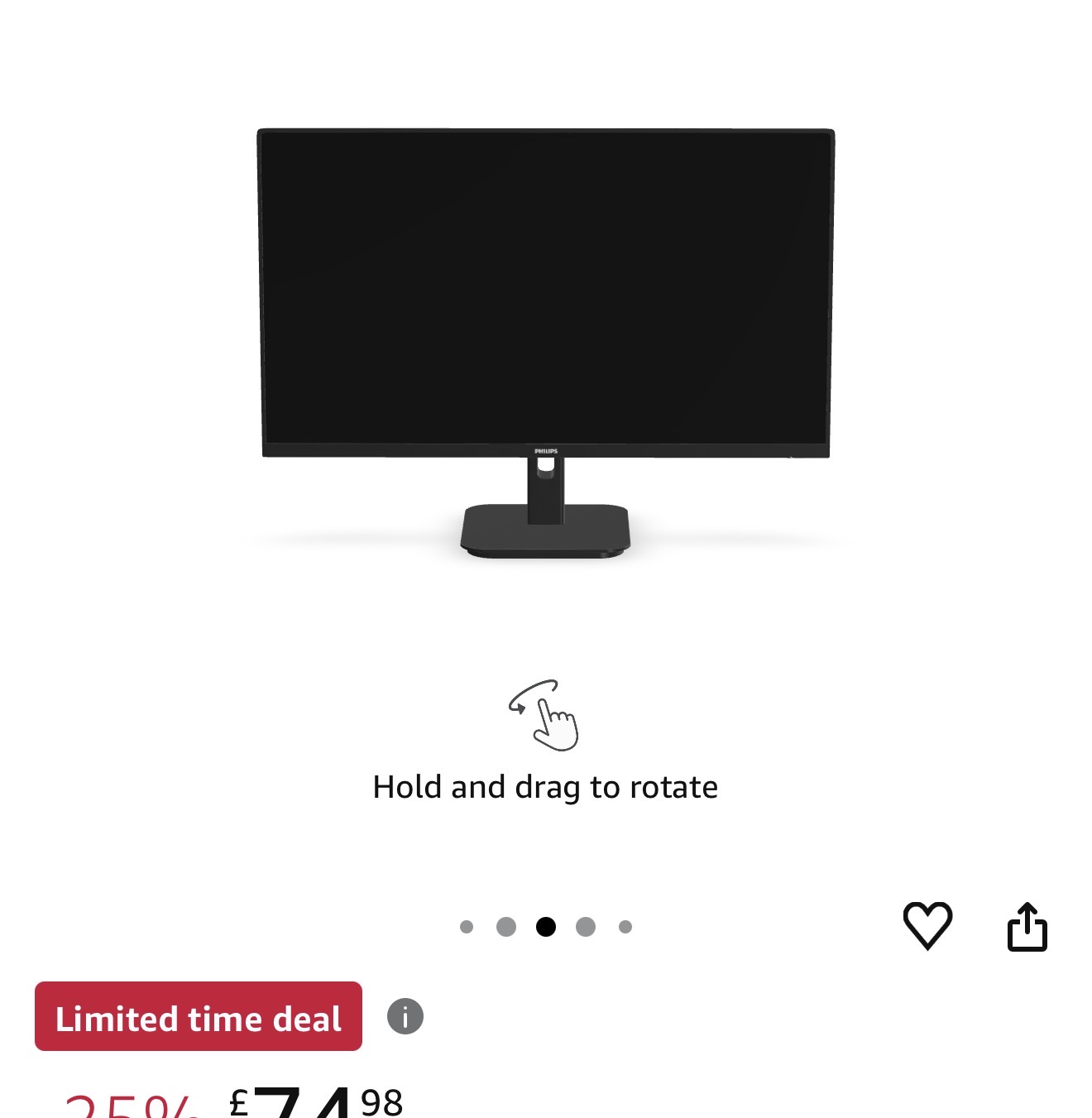
Amazon uses 360 degree viewing well, offering it on a number of their products so buyers can rotate items and check details before they buy.
That matters most for products where appearance and detail genuinely affect the decision, like shoes, furniture, or electronics. Instead of relying on a handful of fixed photos, the buyer can spin the product around and look exactly where they want.
The lesson carries over to almost any product or space. The more control you hand the buyer over what they see, the less they have to take your word for it.
See also