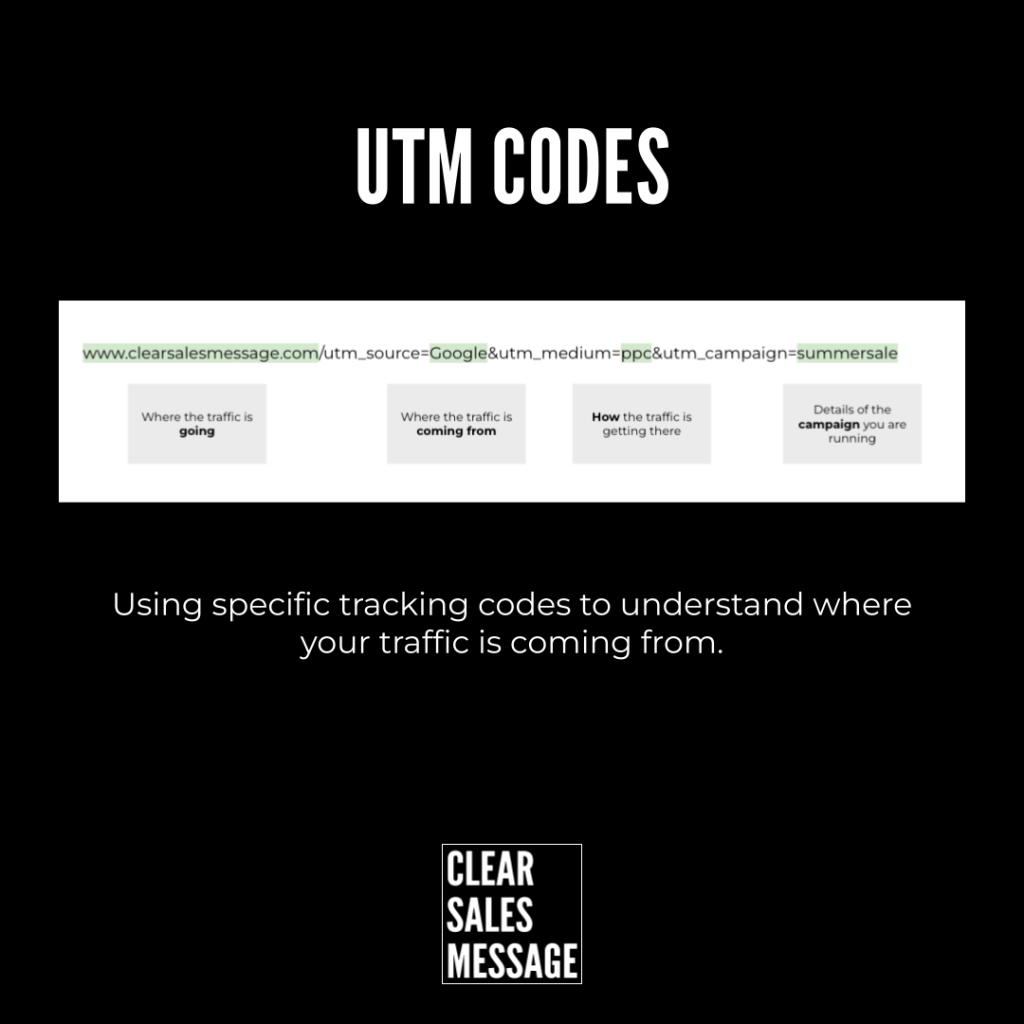
Practical Sales Training™ > How To Get Attention > UTM Codes
UTM Codes: Track Exactly Where Your Traffic Comes From
Post the same offer on five different platforms, and one question always follows. Which one actually worked? So without a way to tag each link, you’re left guessing.
So a UTM code answers that question before you even have to ask it.
What Is It
UTM codes, short for Urchin Tracking Module codes, are small text snippets added to the end of a URL. They tell you exactly where your traffic came from. Maybe it’s an email, a social post, a Google ad, or somewhere else entirely.
A UTM link looks like this:
https://yourwebsite.com/?utm_source=facebook&utm_medium=post&utm_campaign=spring_sale
Why Does It Work
UTM codes work because they feed detailed data straight into tools like Google Analytics. So you can see exactly which campaigns, platforms, and pieces of content are driving traffic, leads, or sales.
Without them, every marketing effort blurs into the same number. But with them, you can finally see what’s actually earning its budget, and cut what isn’t.
How Can You Use It
Define Your Five Parameters
So every UTM code is built from five parts. Source names the platform, like facebook or newsletter. Medium names the channel, like social or email. Campaign names the specific push, like spring_sale. Term and content are optional, for tracking paid keywords or testing ad variations against each other.
Build The Link With A UTM Builder
Use a UTM builder, like Google’s free Campaign URL Builder, to generate the trackable link. Then paste that link into your ads, emails, or social posts instead of the plain original.
Check Your Analytics To See What’s Working
Once the links are live, check your analytics regularly. Look at exactly which links are getting clicks, and which ones are actually converting into leads or sales.
When It Works Best
This works best when you’re running more than one campaign at once. That’s exactly when it becomes hard to tell which one deserves the credit. It also works best when someone actually checks the data afterward.
A tracked link nobody reviews is no better than an untracked one.
When It Becomes Dangerous
So it becomes dangerous when your naming gets inconsistent. Tag one campaign “spring_sale” and another “SpringSale2024,” and your reports quietly split data that should have stayed together.
It also becomes a problem if you over-tag every internal link out of habit. So UTM parameters can interfere with a site’s own internal analytics. That happens when they’re applied where they don’t belong.
Common Mistakes
Being Inconsistent With Naming
Capitalisation, spacing, and abbreviations all matter. So decide on a naming convention once, then stick to it every single time you build a link.
Forgetting To Add UTMs Before Sharing
A link shared without its tag is a link you’ll never be able to trace back. So build the habit of tagging first, sharing second.
Tracking Everything But Reviewing Nothing
Plenty of businesses tag every link and never once open the report. Tracking only pays off once someone actually looks at what it found.
UTM Codes – An Example
Breaking Down A Real UTM Link
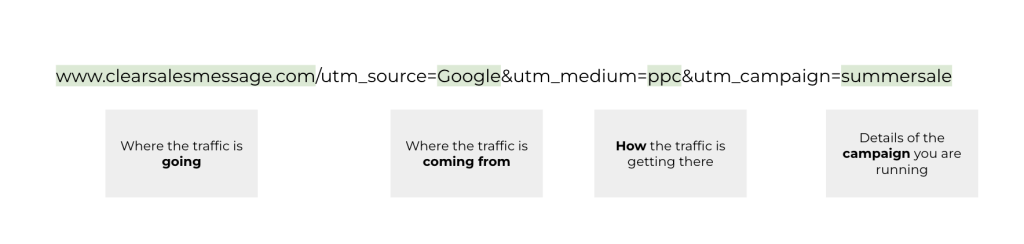
This example breaks a UTM code down piece by piece. It shows exactly which part of the link controls the source, the medium, and the campaign name. Once you can read one link this way, you can read them all.
See Also