Practical Sales Training™ > How To Convert > Jump Links

What is it?
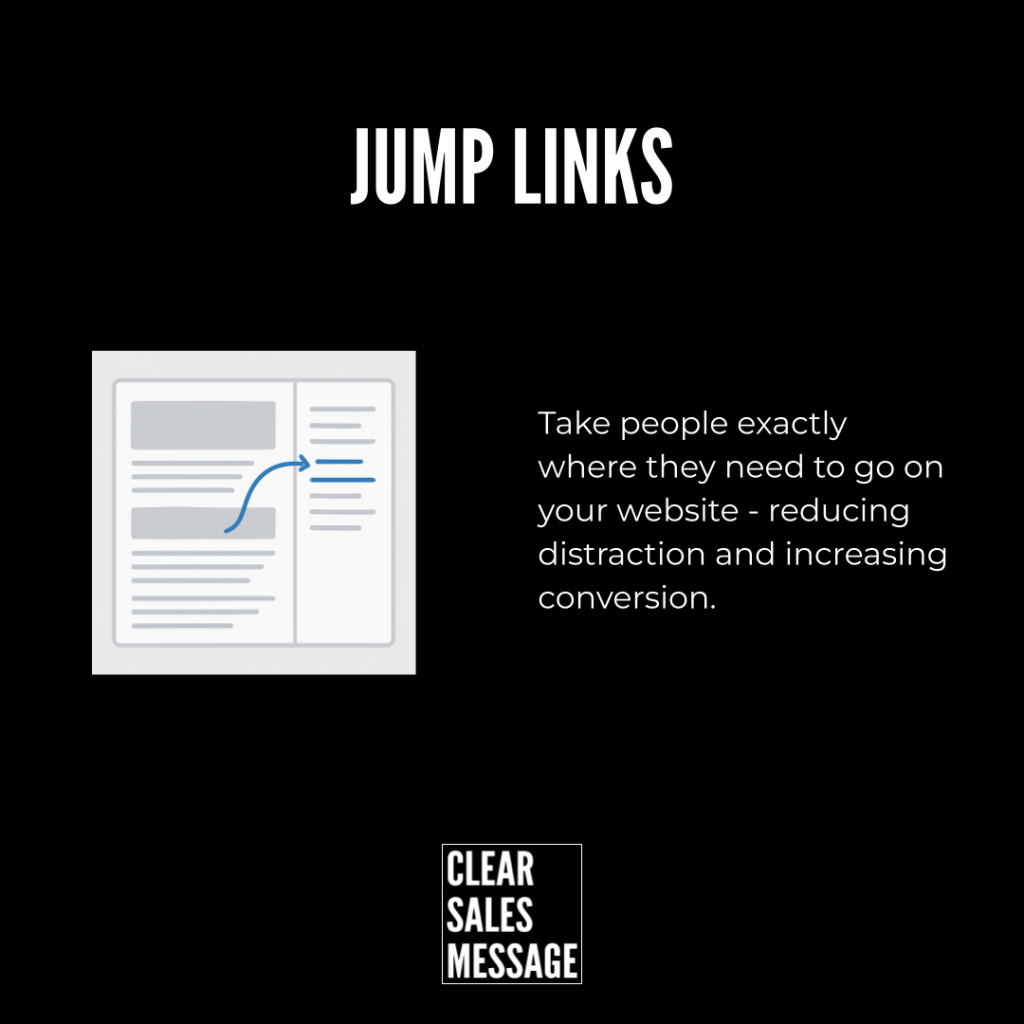
The Jump Links technique gives your audience the ability to skip directly to the part of your sales message that’s most relevant to them.
Rather than forcing people to read or watch everything, Jump Links™ let them self-select what they care about. This keeps attention, reduces frustration, and increases conversion.
How does it work?
Most buyers aren’t interested in everything you say. They’re interested in what’s relevant to their specific problem, need or question.
Jump Links work by breaking your content into clear, clickable sections.
For example:
-
On a webpage:
“Click here to see pricing | Features | Case Studies | FAQs” -
In a video:
“Use the chapters below to jump to the section you need.” -
In a PDF:
“Click to jump to: Problem / Solution / Pricing / Next Steps.”
By offering jump links, you help the buyer find what matters most to them — fast.
The easier you make it for someone to get the information they want, the more likely they are to stay engaged and take action.
How can you use it?
You can apply Jump Links across almost every part of your sales process:
-
On your website
Add clickable menus or anchor links at the top of key pages. -
In your sales PDFs/proposals
Create a contents page with clickable links that navigate the document. -
In your videos
Use chapter markers or timestamps to let viewers skip to the part they want. -
In your emails
Link directly to specific sections of a web page or document. -
In your onboarding or training
Allow clients to skip directly to the parts that are relevant to their needs or level of knowledge.
Example
This website uses the top menu as jump links to different parts of the page.

See also
- The Simplified URL Effect
- 180+ ways to improve conversion
- 100+ ways to get your buyer to take action