Practical Sales Training™ > How To Connect With Your Buyer > Professional Email

Professional Email
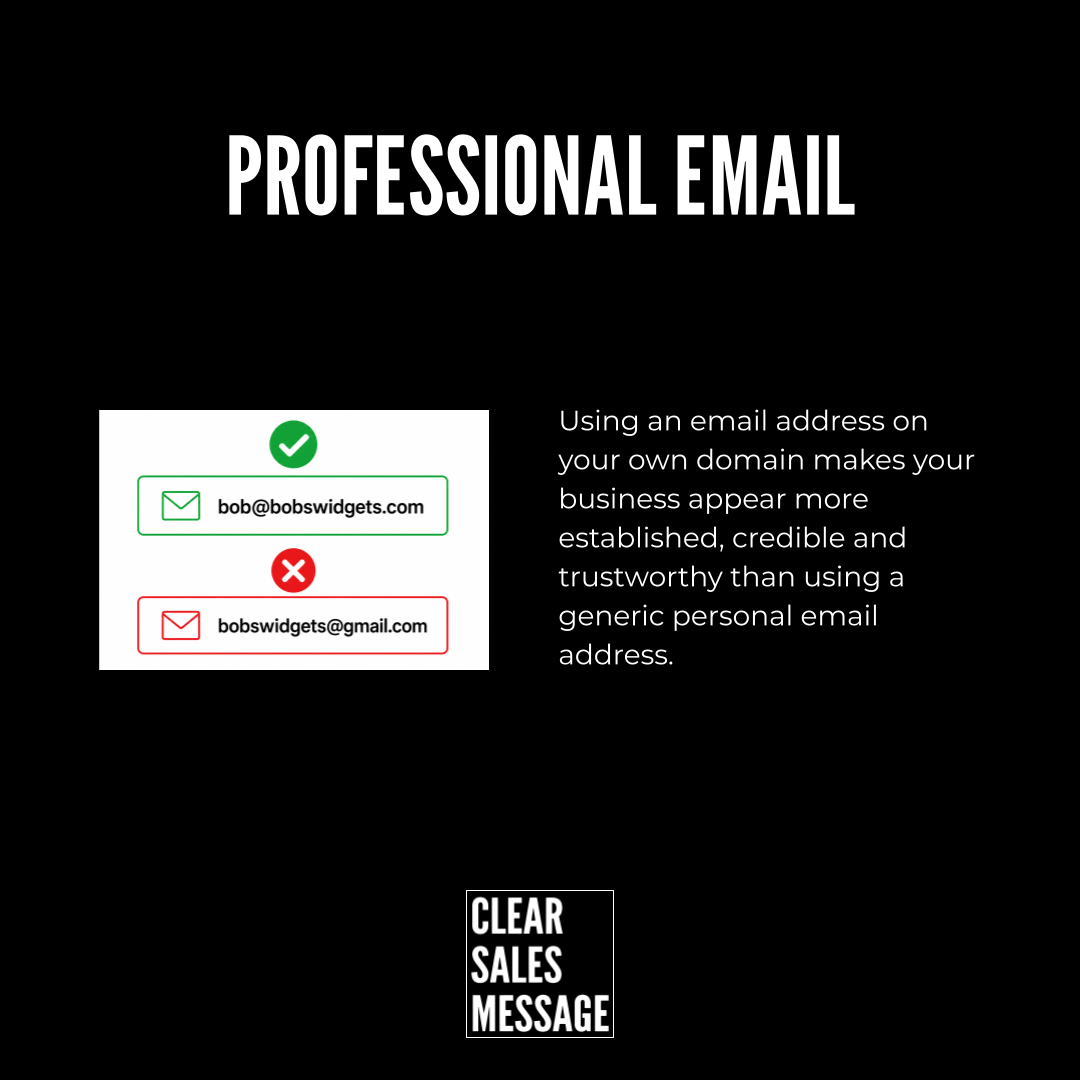
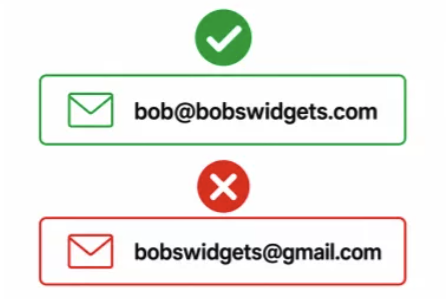
A professional email uses your own domain instead of a free provider. “[email protected]” is a professional email. “[email protected]” is not, even with the same business name attached.
The difference feels small on paper. But it’s often the first real signal a buyer picks up. And they notice it before reading a single word.
Why Does It Work
Buyers judge credibility fast, often before reading a single word. An email address on your own domain signals you’ve invested in the business. A free provider address signals the opposite. Nothing else about you needs to change for that impression to form.
This matters because email sits at the centre of most first contact. A quote, a proposal, an invoice, all of it usually arrives by email. So the address it comes from colours how the rest of the message gets read.
It also builds consistency. A domain-matched email lines up with your website and your business name. That match reassures buyers they’re dealing with the real business, not an imitation.
How Can You Use It
Set up email on your own domain
Most hosting providers include email accounts with your domain. It costs little or nothing extra. Set this up before you ever send your first client email.
Use a real name, not a generic inbox
So send from a named address, like [email protected], rather than info@ or contact@. A named sender feels like a real person, not a department.
Match it everywhere you appear
Use the same email domain on your website, your invoices, and your signature too. Consistency reinforces the professional signal every single time.
When It Works Best
This matters most during first contact. A buyer has no other reason to trust you yet. Even a quote or proposal becomes the first thing they judge you by.
It also matters most for higher-value sales, where buyers scrutinise every detail before committing. A generic email address raises more doubt the bigger the decision gets.
When It Becomes Dangerous
A generic email address can quietly disqualify you. Some people delete emails from free providers on sight, assuming they’re spam or unprofessional.
It also becomes a problem at scale. If your whole team uses personal email accounts, the business looks fragmented. Anyone dealing with more than one person notices fast.
Common Mistakes
Mixing domain and personal emails across the team
Some staff use the company domain while others use personal accounts. That inconsistency undoes the credibility a professional domain is meant to build.
Choosing a confusing local part
An address like [email protected] looks like spam, even on the right domain. Keep the part before the @ simple and recognisable.
Letting the domain email sit unused
Setting up a professional address and replying from a personal one defeats the purpose. Use the domain email for every piece of business correspondence.
Professional Email – A Fictional Example
Bob’s Widgets
Bob runs a small, real business called Bob’s Widgets. One email address makes his business look established. The other makes it look like a side project.
See Also
- 150+ ways to connect with your buyer
- The Simplified URL Effect
- Catchall email – Never miss an email by ensuring that [email protected] gets delivered.
- Memorable phone number – If you want people to call you, make it easy for them to remember your number.
- Simple Email Address – Make it easy for people to email you by having “obvious” email addresses.