Practical Sales Training™ > How To Lose The Sale> Bad Comparison

Bad Comparison
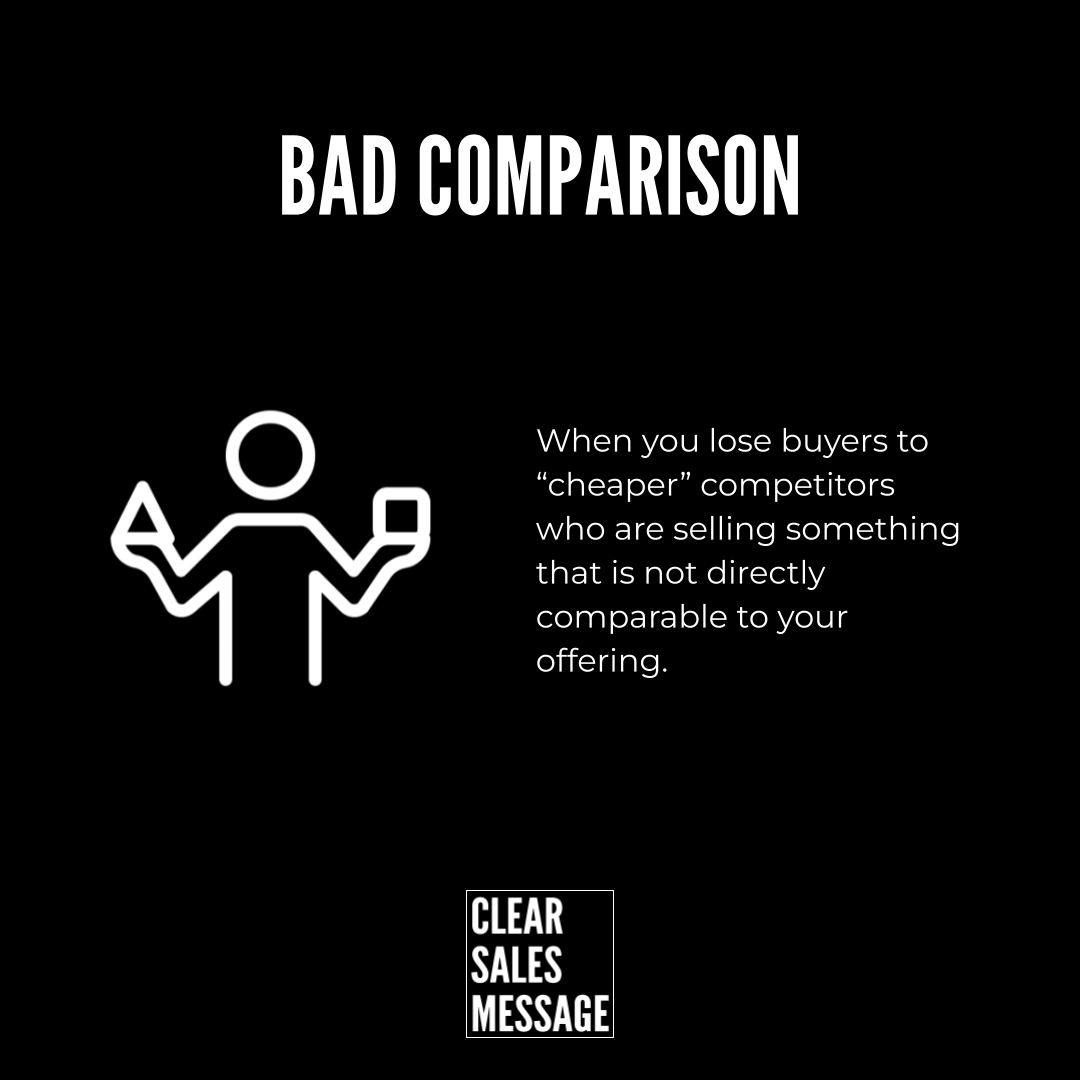
When buyers put you next to a “cheaper” option that is not actually like-for-like, you lose the sale before you have even started.
This is the problem of Bad Comparison.
What is it?
Bad Comparison is when:
-
Buyers compare you with something that is not the same type of product or service
-
The only thing they look at is the price
-
You look “expensive” even though the offers are completely different
Example:
-
You offer a full done-for-you service with strategy, support and guarantees
-
They compare you with a basic DIY tool or a freelancer who only does one small part
-
The buyer says, “We found someone cheaper,” and walks away
You did not lose to a better offer.
You lost to a bad comparison.
How does it work?
1. Buyers use shortcuts
Most buyers do not have time to study every detail. They look for an easy shortcut, usually:
-
“Who is cheaper”
-
“Who is faster”
-
“Who looks the same on the surface”
So anything that looks roughly similar gets grouped together, even if it should not be.
2. The wrong “comparison set”
You end up in the same mental box as:
-
A budget version of what you do
-
A totally different model (DIY vs done-for-you, template vs custom, junior vs senior)
-
A product that has hidden costs, limits or risks that buyers cannot see
Because the comparison set is wrong, your value is invisible.
You are punished for quality, not rewarded for it.
3. You feel pressure to discount
If you accept the comparison, you are forced to:
-
Drop your price
-
Strip out value
-
Take on poor-fit clients to “win” the work
All of this hurts your margins, your team and your brand.
How can you use it?
The goal is not to complain about “cheaper” competitors.
The goal is to control what you are compared to.
1. Name the difference
Give buyers clear, simple language to see why you are not the same.
You can use phrases like:
-
“We are not an app. We are a managed service.”
-
“We are not a freelancer. We are a full team.”
-
“We are not a template. We are custom, built around you.”
Once you label the difference, the old comparison starts to feel wrong.
2. Reset the comparison
Create a new, fair frame for comparison.
You can:
-
Show an apples vs oranges style table that lists what is included and what is not
-
Compare your price to the total cost of the cheaper option (time, risk, rework, lost sales)
-
Use “instead of” language
Examples:
-
“Instead of comparing us to a basic tool, compare us to hiring a full-time specialist.”
-
“Instead of comparing our fee to a day rate, compare it to the revenue we protect.”
3. Script the conversation for your team
Give your team words to handle Bad Comparison when it shows up.
Example wording:
“You absolutely can choose the cheaper option.
The key question is whether you want a basic tool or a done-for-you result.
If you are only looking for the cheapest tool, they will win.
If you want the result without the risk and extra work, that is where we fit.”
This keeps the tone calm, respectful and clear.
4. Build it into your message and materials
Use the Bad Comparison idea in:
-
Your website copy
-
Your sales deck
-
Your proposals
-
Your FAQs
Some ideas:
-
A section called “Who we are not for”
-
A visual comparison table: Cheaper option vs Us
-
A short line under your headline such as:
“Not an app. A fully managed service that delivers the result.”
5. Decide who you refuse to be compared with
Internally, be clear:
-
Which competitors are fair comparisons
-
Which offers are not the same category at all
Then train your team to politely push back when the comparison is wrong.
The result
When you fix Bad Comparison:
-
You stop losing to “cheaper” but unfair alternatives
-
You protect your pricing and margins
-
You attract buyers who understand what you really do
Most important, you move the conversation away from “Why are you so expensive?” to
“Now I see why you cost more, and why it is worth it.”
See also