Practical Sales Training™ > Selling Communication Basics > Clickable Phone Number
Clickable Phone Number
Someone wants to call you. They’re interested, ready, and holding their phone. Then they have to copy your number, switch apps, and type it in by hand.
By the time they’ve done all that, some of them have given up. A clickable phone number removes every one of those steps.
What Is A Clickable Phone Number?
A clickable phone number, also called a tel link, lets a visitor call your business with a single tap. Instead of dialling manually, they click your number on your website, email or SMS, and their device opens the call screen ready to connect.
Less friction. More conversations. More sales.
Why Does It Work?
Behind the scenes, it’s simple HTML code:
<a href="tel:+441234567890">+44 1234 567890</a>
Click it on mobile, and the phone app opens with your number ready to dial. On desktop with a softphone installed, the calling app opens instead. On tablets, the same instant call function kicks in, and some devices even allow FaceTime or VoIP calls straight from the link.
Every extra step a buyer takes reduces the chance they’ll actually contact you. A clickable number removes copying, pasting, switching apps, dialling errors and the frustration that comes with all three. So the easier it is to reach you, the more likely someone will.
How Can You Use Clickable Phone Numbers?
Your Website
Add your number as a clickable link in your header, footer, contact page, landing pages, and any pop-up or lead form. Anywhere someone might want to call, give them the option instantly.
Email Signatures
Turn your number into a clickable link in every email you send. It costs nothing to set up once, and it removes friction on every single message from then on.
SMS And Messaging
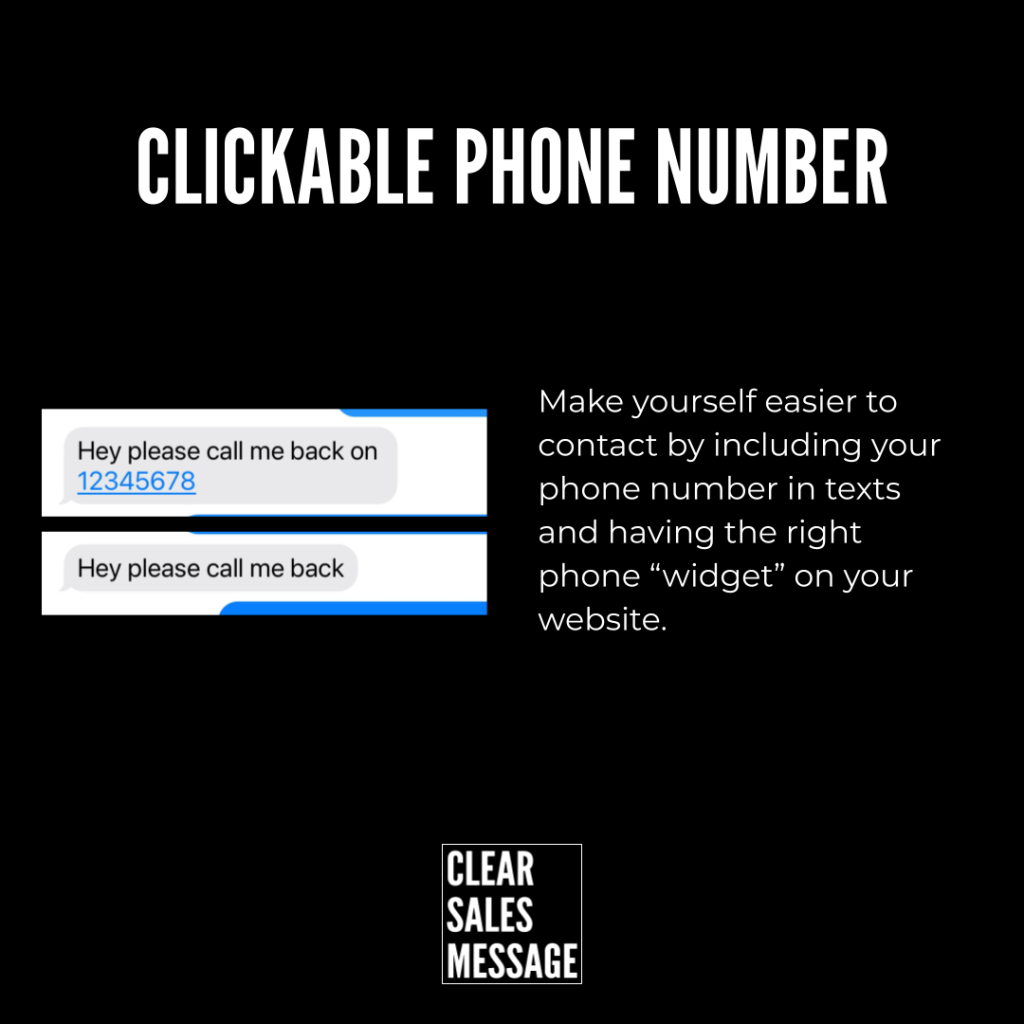
When sending a text or instant message, make sure your number is clickable. It turns a passive message into an instant callback opportunity.
Online Ads And Landing Pages
Make every click count by letting a prospect call you directly from your ad. This works especially well for anyone browsing on their phone, since the call is one tap away.
Digital Business Cards And QR Codes
Link your clickable number behind a QR code for events, brochures, or networking. It saves someone typing out a long number from memory later, when the moment to call has already passed.
When It Works Best
Clickable numbers work best anywhere your buyer is browsing on a phone, since the effect is strongest on mobile. They also perform well right at the point of highest intent, like a pricing page or a checkout screen, where hesitation costs you the most.
They’re especially useful for urgent or time-sensitive services, since a buyer who needs help immediately won’t wait around to type in a number by hand.
When It Becomes Dangerous
This becomes a problem if the number isn’t actually staffed, or nobody picks up. A missed call after a single tap frustrates a buyer more than one they never attempted, since you’ve raised their expectation of an instant connection.
It also risks looking careless if the number is wrong, outdated, or routes to the wrong department. Test the link regularly, since a broken tel link quietly costs you calls you’ll never know you missed.
Common Mistakes
Leaving The Number As Plain Text
A phone number that isn’t a working link forces the buyer to copy and paste it manually. That single missing step undoes the entire benefit of showing the number at all.
Hiding The Number On Mobile
Some sites show the number clearly on desktop but bury it in a menu on mobile. Since mobile is where clickable numbers matter most, this mistake removes the exact benefit you were trying to add.
Never Testing The Link
A tel link with a typo or an outdated number fails silently. Test it on an actual phone regularly, since a broken link looks identical to a working one until someone actually taps it.
Clickable Phone Number – An Example
A Number Ready To Tap On The Homepage
This company places a clickable phone number directly on their website homepage. A visitor doesn’t need to hunt through a contact page or copy anything down. The number sits in plain view, ready to tap the moment someone decides to call.

See Also