Practical Sales Training™ > How To Connect With Your Buyer > Suitability Checker
Suitability Checker
Most buyers have the same quiet question before they engage with a business: “Is this even right for me?” They are not ready to talk to sales yet. They just want to know if they qualify. And if you do not help them answer that question quickly, many of them will leave without finding out.
A Suitability Checker solves that problem. It is a short set of guided questions that helps a buyer compare their situation against simple criteria. The goal is not to sell. Instead, it is to help the buyer decide whether it makes sense to go further. And that kind of honest, helpful clarity builds more trust than almost any other early-stage sales tool.
In short, a good Suitability Checker makes it easier for the right buyers to say yes – and easier for the wrong ones to opt out before anyone wastes their time.
What Is A Suitability Checker?
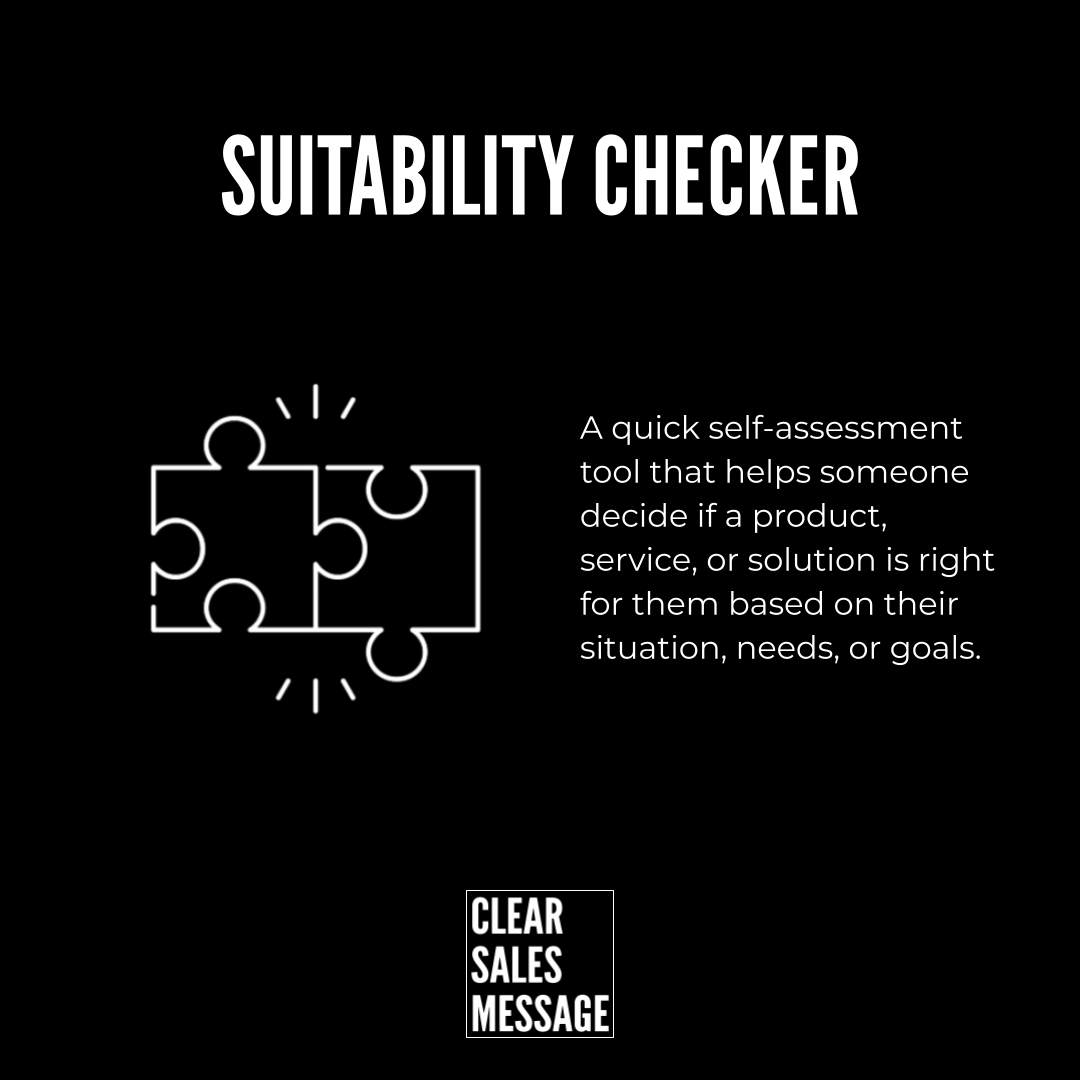
A Suitability Checker is a short self-assessment tool that helps a buyer decide if a product, service, or solution fits their situation. It usually involves five to ten practical questions focused on needs, goals, constraints, or readiness.
At the end, the buyer typically sees one of three outcomes: a good fit, a possible fit, or not the right fit. That honesty matters. Because a business that is willing to say “this might not be right for you” feels very different from one that pushes everyone into the same sales funnel regardless of fit.
Also, Suitability Checkers tend to improve the quality of conversations that follow. Because buyers who complete one and reach out already know they are a match. So the conversation starts from a place of confidence rather than uncertainty – and that makes it significantly easier to move forward.
Why Does A Suitability Checker Work?
Buyers feel more confident making decisions when they have already worked out that something fits their situation. That sounds obvious. But most businesses skip this step entirely. They explain the offer before helping someone decide if it applies to them – and so the buyer has to do that work themselves, in their head, with incomplete information.
A Suitability Checker does that work for them. As a result, uncertainty drops and confidence rises. And buyers who feel confident in the fit are far more likely to take the next step than buyers who are still wondering if they are in the right place.
There is also a trust effect. When a business builds in a genuine filter – one that could actually tell a buyer they are not the right fit – it signals confidence in its own offer and respect for the buyer’s time. Both of those things build credibility fast.
How Can You Use A Suitability Checker?
The key is to place it at the point where a buyer is deciding whether to go further. That is usually before a call, before pricing, or before a demo – not after.
Place it before high-commitment steps
The most effective places for a Suitability Checker are before booking a sales call, before revealing pricing, or at the start of a product demo page. Because at those points, the buyer is making a decision about whether to invest more time. So helping them confirm fit right there reduces drop-off and improves the quality of what follows.
Only ask questions that affect fit
Every question in a Suitability Checker should help the buyer decide something. Common examples include company size, budget range, primary problem, timeline, and existing systems. However, if a question only benefits the business and tells the buyer nothing useful, leave it out. Because buyers can tell the difference between guidance and data collection – and when it feels like the latter, trust drops immediately.
Make the outcome honest and useful
The result the buyer sees at the end should mean something. A “good fit” outcome should explain why and suggest a clear next step. A “not the right fit” outcome should be honest and, where possible, point the buyer toward something that suits them better. That kind of genuinely helpful response turns even a no into a positive experience – and buyers remember businesses that treated them well even when the answer was no.
Keep it short
Five to ten questions is the right range. Fewer than five and it lacks credibility. More than ten and it starts to feel like work. So be selective. Because the goal is to remove uncertainty quickly – not to conduct a full needs analysis before the buyer has committed to anything.
When A Suitability Checker Works Best
Suitability Checkers are most useful when your offer is not right for everyone. That includes B2B services, consulting, SaaS products, financial services, and any offer where fit genuinely varies based on the buyer’s situation. In those markets, a Suitability Checker saves time on both sides – and the conversations that do happen are far better quality as a result.
They also work well when sales calls are time-intensive. Because if every call takes an hour and a significant number of those calls are with buyers who were never a good fit, the cost is high. A Suitability Checker filters those out before the call ever gets booked. So the time you spend in conversations is spent with buyers who are already likely to convert.
Similarly, they are useful any time buyers commonly ask “is this right for me?” – because that question is a signal that they want help deciding before they commit to a conversation. Giving them a tool that answers it is simply good service.
When A Suitability Checker Becomes Dangerous
The risk comes when the checker adds friction where none is needed. If your offer suits almost everyone and the buying decision is simple, adding a five-question assessment before someone can find out the price is just an obstacle. So use a Suitability Checker where fit genuinely varies – not as a standard gate on every offer.
It also backfires when the questions feel extractive rather than helpful. Buyers notice when a tool is really just a lead form in disguise. As a result, they either abandon it or complete it with distrust already forming. And a buyer who feels tricked at the first step is unlikely to convert at the next one.
Also, a poorly designed outcome can do damage. If a buyer completes the checker and gets a vague or generic result, they feel like they wasted their time. Therefore, invest in making the outcome specific and useful – because that is the moment that determines whether the whole tool builds or breaks trust.
Common Suitability Checker Mistakes
Asking questions for the business, not the buyer
The most common mistake is filling a Suitability Checker with questions that only benefit the sales team. Job title, company name, marketing budget – these things help the business qualify the lead, but they do nothing to help the buyer make a decision. So flip the frame. Ask yourself: does this question help the buyer decide? If not, cut it.
Making it feel like a screening process
Buyers should feel guided, not interrogated. However, when a Suitability Checker uses formal or clinical language, asks too many questions, or ends without a useful outcome, it starts to feel like a corporate screening process. That creates friction and reduces trust. So keep the tone warm, the questions practical, and the result genuinely helpful.
Placing it too late in the journey
Some businesses add a Suitability Checker after the buyer has already read all the content, watched the demo, and decided they want to buy. At that point, it is just an obstacle. Instead, place it early – before the buyer has invested significant time. Because its job is to create clarity and confidence at the start of the decision process, not to add steps at the end of it.
Not updating it as the offer changes
A Suitability Checker that reflects an old version of your offer can send buyers in the wrong direction. So treat it as a living tool rather than a set-and-forget asset. Review it whenever your offer, pricing, or ideal buyer changes – because an outdated checker can qualify the wrong people and disqualify the right ones.
Suitability Checker – An Example
A CRM software company is getting a high volume of demo requests. However, many of them turn out to be businesses that are too small, have too little budget, or need a simpler tool. So their sales team spends a lot of time in conversations that go nowhere.
They add a Suitability Checker before the demo booking page. It asks four questions: how many salespeople they have, whether they are replacing a CRM or starting fresh, whether they need automation, and what their monthly budget is.
Buyers with a small team and a limited budget now see a recommendation for a lighter solution – with a link to find out more. Buyers with a larger team and more complexity see a prompt to book a call. As a result, demo quality improves significantly. Sales time goes to the right conversations. And buyers who were not a fit leave with a better experience than if they had gone through a full demo only to find out it was not right for them. That is the value of a well-built Suitability Checker done properly.
See also: