

Practical Sales Training™ > How To Keep Your Clients Happy > The Quick Start Guide
The Quick Start Guide
What Is It
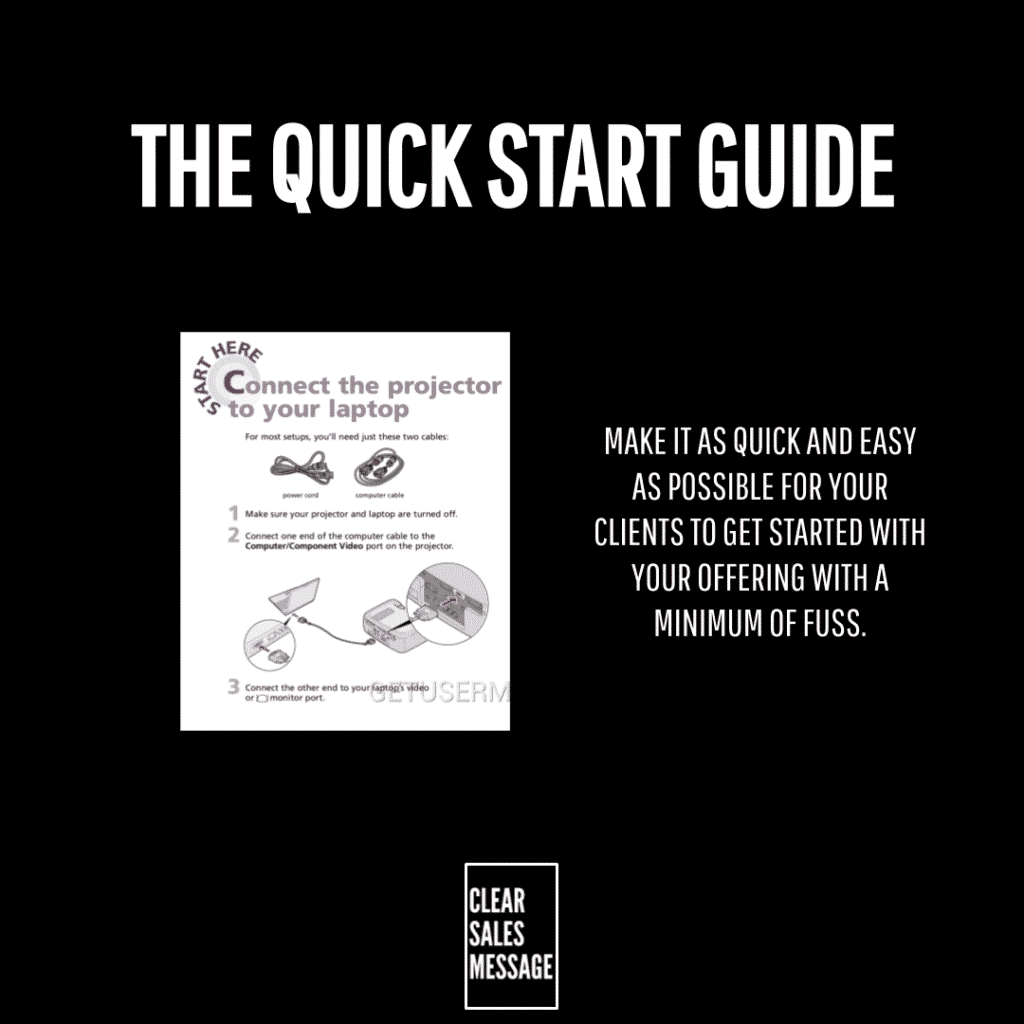
The Quick Start Guide is about getting your clients to use your offering as quickly as possible. So you provide a simplified, dedicated guide built for exactly that.
It isn’t the full manual. Instead, it’s the shortcut version, stripped down to the handful of steps that actually matter on day one.
Most products have both. But very few make the shortcut obvious enough for a new client to find it without asking.
Why Does It Work
Similar to the “how to” effect and onboarding clients, a quick start guide works because it gets clients results fast. As a result, it makes your offering work for them in the shortest amount of time possible.
Instruction manuals and resources are important, but they’re not what a new client actually wants first. Instead, what they want is that new printer working right now, in as few steps as possible.
Speed to value changes how a client feels about the whole purchase. A slow start makes even a great product feel like a mistake. In contrast, a fast one makes an average product feel like a smart buy.
How Can You Use It
Strip the steps down to the essentials
If it’s appropriate to your offering, think about the simplified steps a client needs to take to get the quickest amount of value once they’ve purchased. So cut anything that isn’t essential to that first win.
Make the guide impossible to miss
A quick start guide buried in an email attachment gets ignored. Instead, put it somewhere a client sees it the moment they need it, on the product itself, in the welcome message, or at the point of first use.
Design for the moment of confusion, not the whole journey
A full manual tries to cover everything. In contrast, a quick start guide only needs to solve the one moment where a client would otherwise get stuck or give up.
When It Works Best
This works best with anything that has a setup step between purchase and first use, software, equipment, memberships, subscriptions.
It also works best when the full manual is genuinely long or technical. So the bigger the gap between “just bought it” and “understand it fully,” the more a shortcut is worth.
When It Becomes Dangerous
It backfires if the guide skips a step that actually matters. As a result, a client who follows it and still gets stuck loses more trust than one who never had a guide at all.
It also becomes risky if it replaces proper support entirely. A quick start guide should solve the first five minutes, not stand in for help when something genuinely goes wrong later.
Overcomplicating it defeats the whole purpose too. So a “quick” guide that runs several pages long has already failed its own name.
Common Mistakes
Writing it for every possible use case
Trying to cover every scenario turns a quick start guide into a second manual. Instead, cover the one path most clients actually take, not every edge case that could happen.
Hiding it inside other documentation
If a client has to search for the quick start guide, it’s already failed its job. So it needs to be the first thing they see, not the last thing they find.
Assuming one format suits everyone
Some clients want to read steps. Others, however, want to scan a code or watch thirty seconds of video. So offer more than one way in wherever you can.
The Quick Start Guide – An Example
A Gym’s QR Code Wall
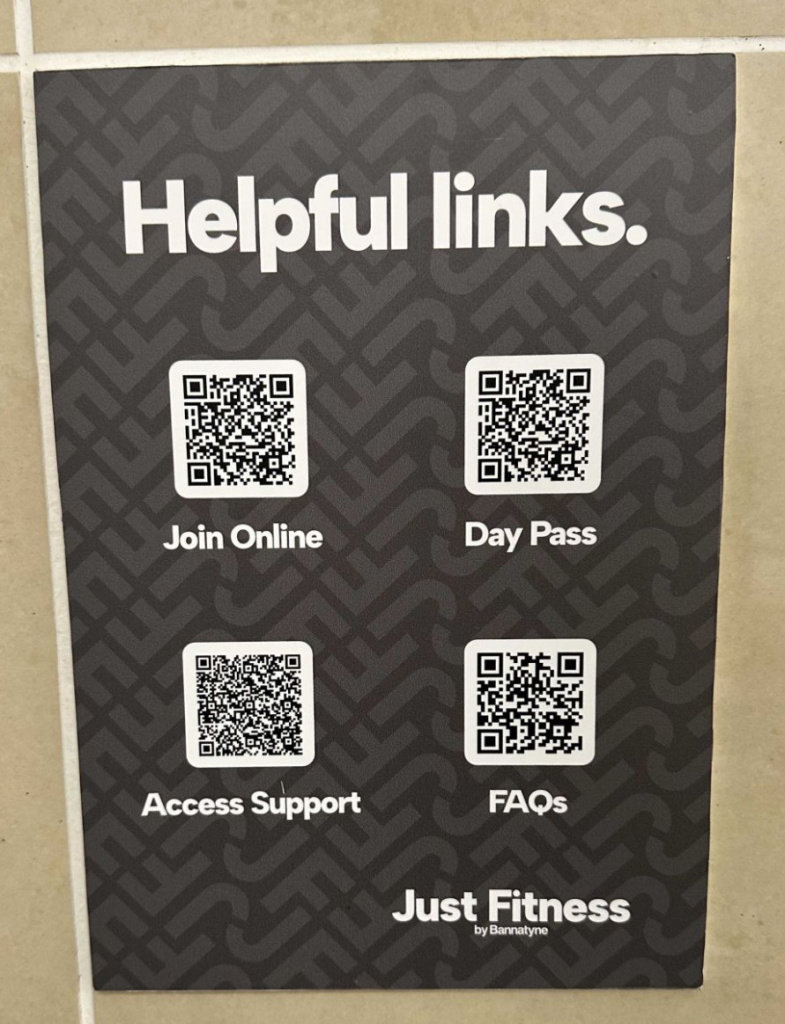
This gym uses QR codes to provide a “quick start” style guide for accessing what you need. It’s a nice touch, and also a simple one.
Instead of a member searching for the right link, or asking staff where to go, four codes on the wall cover the four things a new member is most likely to need. As a result, there’s nothing extra, and nothing to scroll past.
See also