Practical Sales Training™ > How To Lose The Sale > Bad Filenames
Bad Filenames
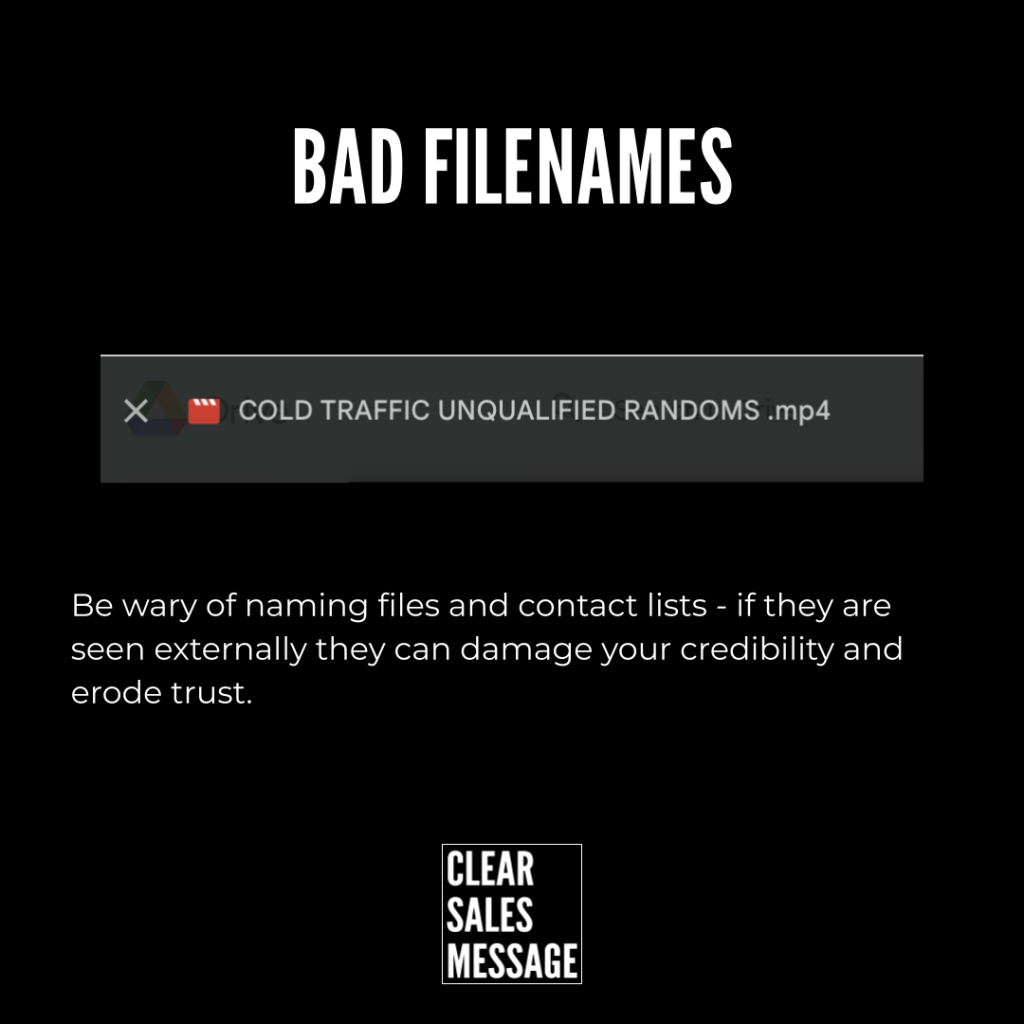
“Final_V2_USE_THIS_NOW.pdf.” A client opens that file and, without a word, starts wondering how much care actually went into their project.
Bad filenames aren’t just sloppy admin. They’re a silent way to lose trust before a client has even read a single page.
What Are Bad Filenames?
A bad filename is more than messy admin. It’s a quiet signal of carelessness. Send a document titled “Final_V2_USE_THIS_NOW.pdf,” or add a client to a list labelled “Unresponsive Leads,” and you’re not just disorganised. You’re broadcasting it.
A careless filename tells a client you didn’t prepare properly, you’re not thinking about them specifically, and you treat everyone the same. None of that builds confidence.
Why Does It Matter?
Every time you send, share, or store something with a careless name, you chip away at your own credibility. A client opens a proposal called “Template Copy 2 – John edit maybe final.pdf,” and instantly questions how custom your service really is.
You share a file titled “Random_Notes_From_Meeting,” and the client wonders if you were even paying attention. You email a group tagged “Dormant Dead Leads,” and someone spots that label in the footer or unsubscribe settings.
It’s not just untidy. It’s unprofessional. It creates doubt, signals chaos, and makes a client feel like a number rather than a priority. Clients notice this, even if they never say a word out loud.
How Can You Fix It?
Name It Like They’ll See It, Because They Will
Even internal names get exposed eventually. Shared links, file previews, mailing list footers and CRM merge fields all leak the name you gave something. Assume every filename is public, and name it accordingly.
Make Filenames Client-Friendly And Brand-Respectful
Use a clear format like “Proposal – Client Name – Service – Date.” Try “Welcome Pack – Brand Name” for onboarding documents, or “Active Clients – Engagement Campaign” for a mailing list. These don’t just look better. They feel better too.
Treat Naming As Part Of The Customer Experience
Because it is. A well-named file says “I’m organised, and I respect your time.” A badly named one says the opposite, without you ever meaning it to.
When It Works Best
Getting this right matters most in anything client-facing, like proposals, welcome packs, and shared folders. It also matters in anything that could leak internal labelling, like list names or CRM tags that might appear in a footer or export.
It’s especially worth fixing early in a relationship, since a first impression built on a messy filename is hard to undo later, even once your actual work speaks for itself.
When It Becomes Dangerous
This becomes a real problem the moment an internal label becomes visible to the person it describes. A list called “Unresponsive Leads” or “Dormant Dead Leads” showing up in an unsubscribe footer can turn a quiet churn into public embarrassment.
It also compounds over time. One careless filename might go unnoticed, but a pattern of them across every document and list quietly convinces a client that disorganisation runs through your whole business.
Common Mistakes
Assuming Internal Names Stay Internal
A file preview, merge field, or exported list can expose a name you never meant a client to see. Name everything as if it’s already public, since eventually it often is.
Using Version Numbers Instead Of Real Names
“Final_V2_USE_THIS.pdf” tells a client nothing except that the document went through several drafts. Use a consistent, descriptive naming format instead of internal shorthand.
Labelling Lists With Blunt Internal Language
Terms like “Dead Leads” might make sense internally, but they read as cold and dismissive if a client ever sees them. Choose neutral, respectful labels for anything with a client’s name attached.
Bad Filenames – An Example
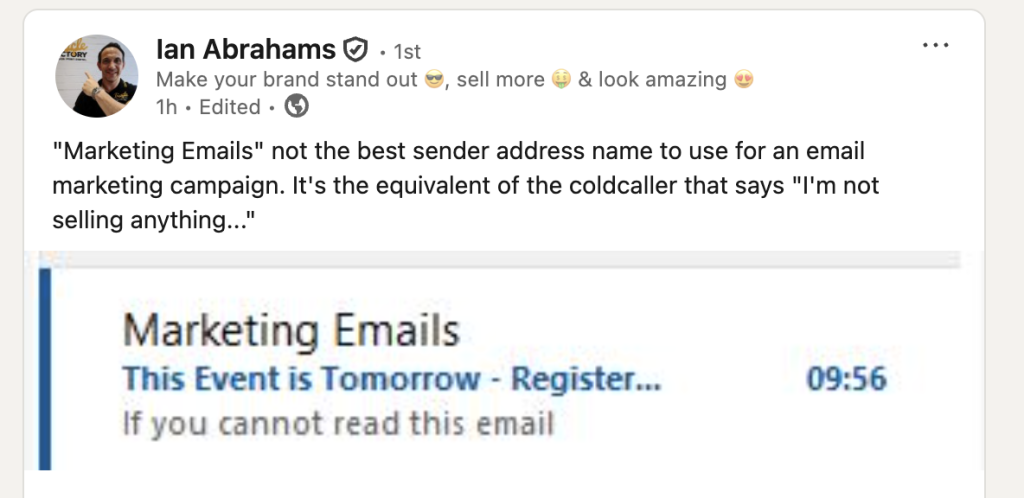
A Complaint That Started With A List Name
Someone took the time to publicly complain on LinkedIn about the name of an email list they’d been placed on. The label itself made him feel like just another number, rather than a respected individual buyer, and that feeling was strong enough to turn into a public post.
See Also