
Practical Sales Training™ > How To Lose The Sale > The Cropped Effect
The Cropped Effect
What Is It
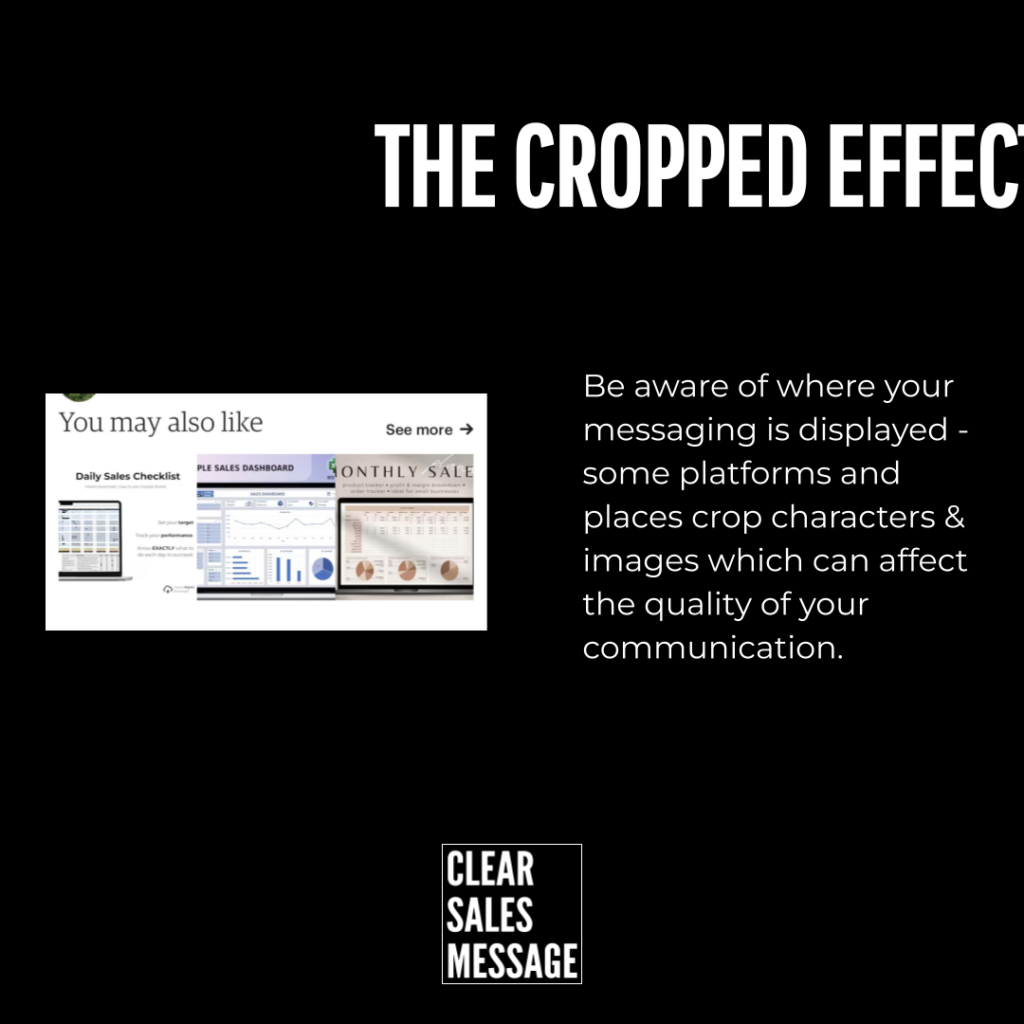
The Cropped Effect happens when a screen or surface cuts off, distorts, or hides part of your message. You wrote it properly. But the buyer never saw the full thing.
I learned this one the hard way, early in my business. A slide I designed looked perfect on my laptop. The projector cut half the words off.
Why Does It Work
It doesn’t work for you. It works against you, every time.
A cropped message confuses people or says nothing at all. They can’t act on a sentence they never finished reading. So they scroll past, and you’ve lost them without realising it.
This is exactly why it pays to lead with what matters most. If the crop cuts your message, you want it to cut after the important part, not before.
How Can You Use It
Watch Your Platforms
Social media causes most of these problems. Character limits matter, but so does how and where your text actually displays. An email subject line looks different on a phone than it does on a tablet.
Check Every Device
Your LinkedIn headline might look perfect on desktop. On mobile, it could cut off halfway through your point. So the only way to know for sure is to test it on the actual devices your buyers use.
Test Before You Trust It
If your buyers don’t even see your message, you’ve already lost. Testing isn’t optional, since it’s the only way to know your words land the way you intended.
When It Works Best
There’s no upside to a cropped message. The only benefit is the lesson it teaches you once. After that, you check your formatting every time, on every platform, before it reaches a buyer.
When It Becomes Dangerous
It’s dangerous anywhere your message only gets one shot, like a pitch deck or a slide in front of a room full of buyers. If the crop hits in that moment, you don’t get a second chance to fix it live.
It’s also dangerous because you often don’t find out it happened. No one tells you your message looked broken. They just stop paying attention.
Common Mistakes
Designing On One Device Only
It’s easy to build a slide or post on your laptop and assume everyone sees it that way. But your buyer might be on a phone, a tablet, or a projector with completely different proportions.
Front Loading Without Checking The Cut
Leading with what matters is the right instinct. But it still needs testing, since “what matters” can still get clipped if you haven’t checked where the crop actually falls.
Assuming It’s Fine Because It Worked Once
A platform update or a new device size can break a layout that used to work fine. What displayed well last year might crop badly today. So check it again, and never assume.
The Cropped Effect – An Example
Exhibit A: Clear Sales Mess
This photo comes from an early talk I gave. The slide behind me was meant to read “Clear Sales Message” in full. Instead, the projector cut it off mid-word.
I’d checked the slide on my own screen beforehand, and it looked fine. But I hadn’t checked it on the actual projector, in the actual room, at the actual size it would be shown.
That gap between how something looks to you and how it looks to your buyer is exactly where The Cropped Effect lives.

See also:

