Practical Sales Training™ > How To Convert > Clickable Email

Clickable Email
Post your email address in plain text anywhere online, and bots find it fast. Within days, your inbox starts filling with spam you never asked for.
Clickable email solves that without hiding your address at all. Real people still see it and click it. Bots just can’t read it.
What Is Clickable Email?
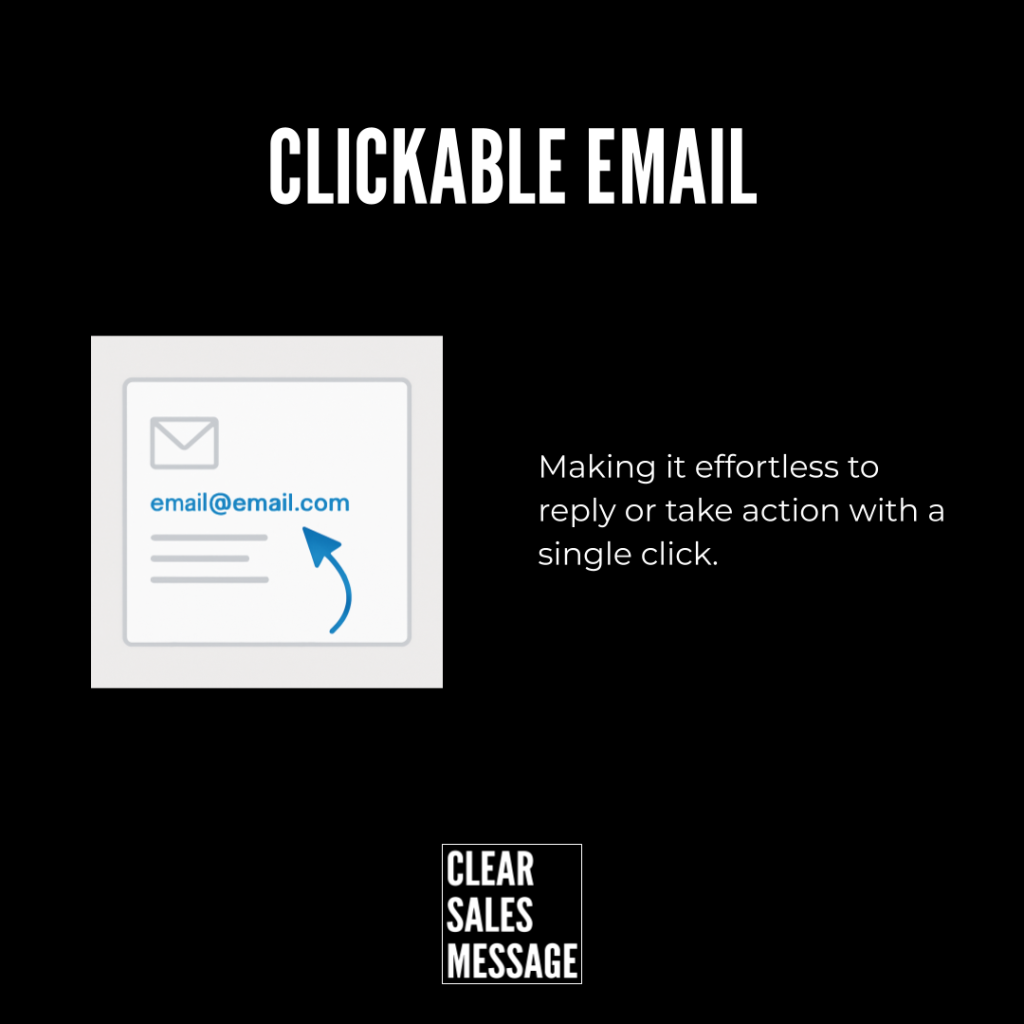
Clickable email displays your email address as an image rather than plain text. This helps prevent spambots from scraping your address, while still making it simple for real people to contact you.
Pair the image with a clickable link behind it, and a prospect can still click to open an email draft. The visible address just becomes far harder for bots to harvest in the process.
Why Does It Work?
Plain text email addresses get scraped constantly. Spam bots scan pages looking for the familiar “@” pattern, and once they find yours, it often ends up on lists sold to spammers.
Clickable email breaks that pattern. You create a small image of your address, then place it wherever your email would normally appear. You hyperlink that image using a mailto link, so a real visitor clicking it triggers their email program automatically.
Bots can’t easily read text inside an image, so the scraping risk drops sharply. The result is simple. Real people can still contact you in one click, while you stay protected from automated spam.
How Can You Use Clickable Email?
On Your Website Contact Page
Show your email as an image while keeping it fully clickable. Visitors get the same one-click convenience, without your address sitting exposed as scannable text.
In Your Email Signatures
Use an image-based email in every signature you send. It stays clickable for the recipient, but it’s far harder for automated tools to lift and store.
On Online PDFs Or Downloads
Embed an image-based address in any public-facing document. PDFs get scraped just as often as web pages, so this protection matters there too.
On Social Media Or Profile Bios
Post your address as an image to stay visible and contactable, without leaving plain text sitting in a bio that gets scanned constantly.
When It Works Best
This technique works best on any public page that gets a lot of traffic, since higher visibility also means a higher chance of being scraped. Contact pages, footers and public documents all benefit the most.
It’s especially useful for small businesses without a dedicated spam filter, since prevention at the source often works better than trying to filter spam after it arrives.
When It Becomes Dangerous
This becomes a problem if the image isn’t actually hyperlinked. Without the mailto link behind it, a visitor has no way to click through, and you’ve traded convenience for protection instead of keeping both.
It also risks accessibility issues if the image has no proper alt text. Screen readers can’t read text embedded in an image, so anyone relying on one may miss your contact details entirely.
Common Mistakes
Forgetting The Mailto Link
An image with no link behind it looks identical to a working one, but it does nothing for the visitor. Always test the click yourself before publishing.
Skipping Alt Text
Leaving the alt text blank shuts out anyone using a screen reader. Add a short, accurate description so accessibility isn’t sacrificed for spam protection.
Using A Low-Quality Image
A blurry or pixelated address looks unprofessional and can be genuinely hard to read. Keep the image sharp enough that nobody has to squint to find your email.
Clickable Email – An Example
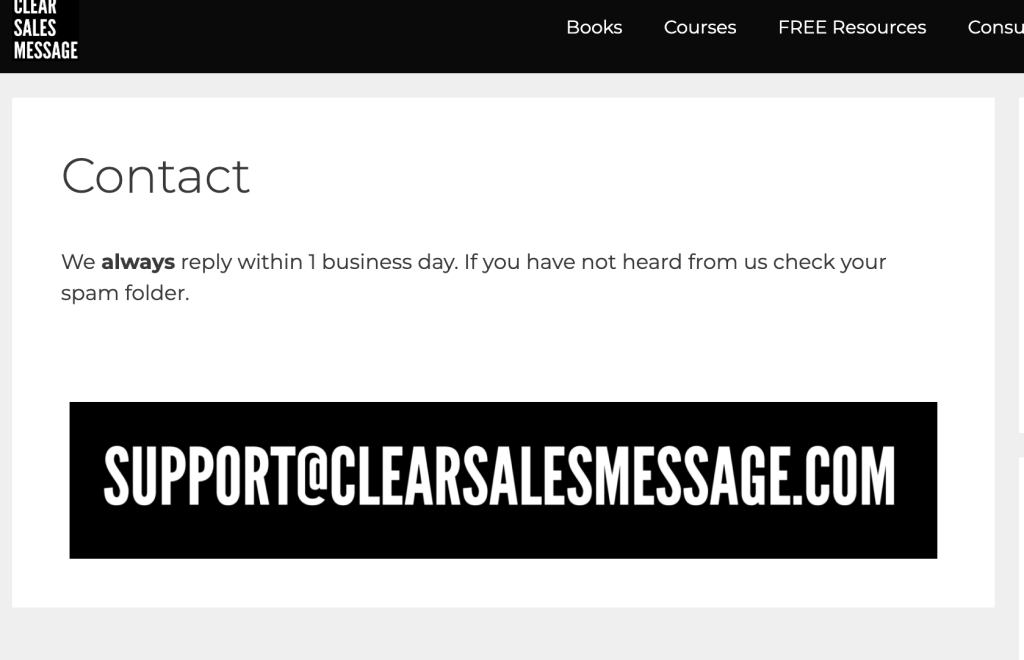
An Email Address Shown As An Image
The Clear Sales Message™ website uses an image of the contact email rather than plain text. A visitor can still click straight through to send a message, but the address itself stays out of reach of anything scanning the page for text to scrape.
See Also