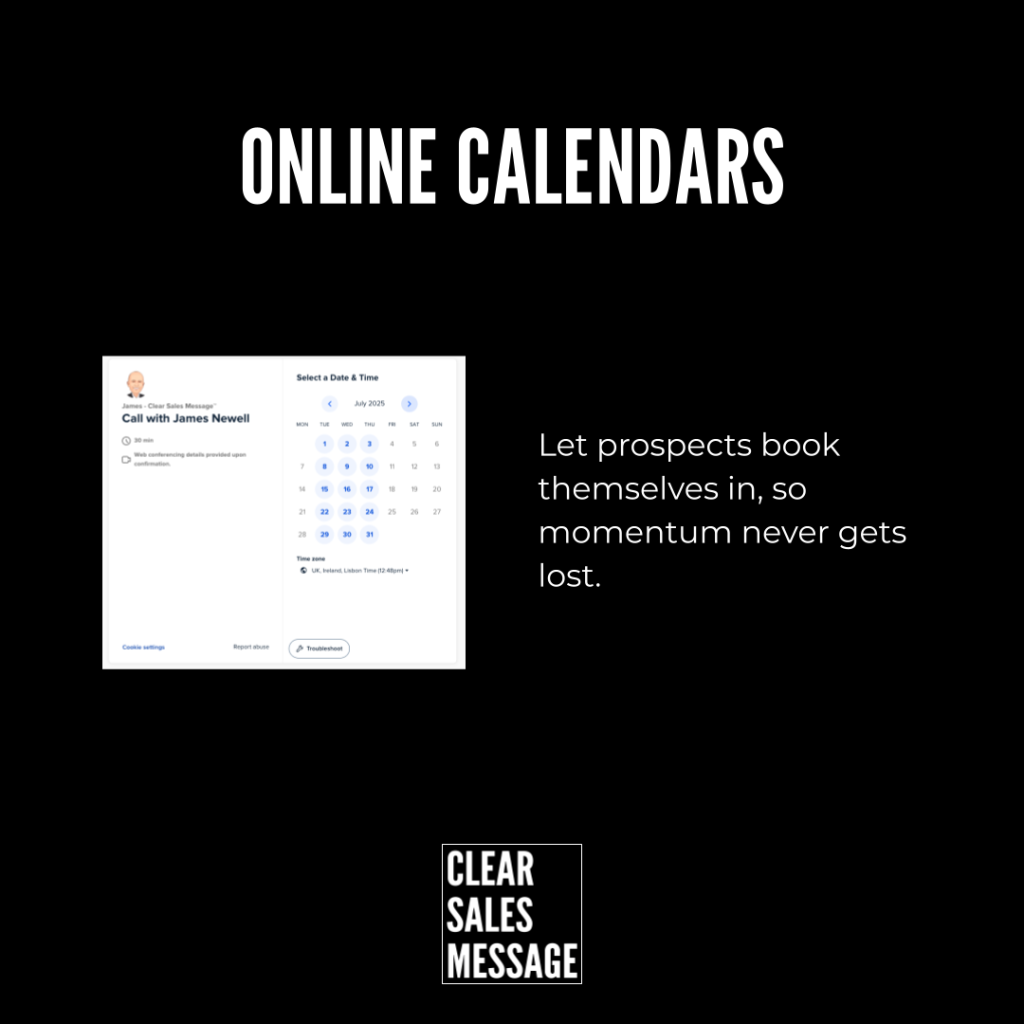
Practical Sales Training™ > How To Convert > Online Calendars

Online Calendars
“Are you free Tuesday at 2?” “No, how about Thursday?” “That doesn’t work either.” Five emails later, you’ve still got no meeting booked.
Online calendars end that entirely. One link, and your buyer picks a time that actually works for them.
What Are Online Calendars?
Online calendars use simple, self-service booking tools, like Calendly or SavvyCal, to let prospects and clients schedule a call at a time that suits them, without the usual back and forth.
They remove friction, shorten response times, and hand your buyer control over the booking process instead of leaving it stuck in your inbox.
Why Does It Work?
In most sales situations, arranging a call becomes a game of email ping-pong. “Are you free Tuesday at 2?” “No, how about Thursday?” “That doesn’t work, what about next week?” Every reply adds another day of delay.
Online calendars replace all of that with a single booking link. Share it, and your prospect instantly sees your availability, adjusted for their time zone, along with automatic reminders and easy reschedule or cancel options.
They pick a time. You both get a confirmation. The meeting is set. No chasing, no delays, and no excuses standing between interest and an actual conversation.
How Can You Use Online Calendars?
On Your Website
Add a “Book a call” button linked directly to your calendar. This removes an entire email exchange before someone even reaches out.
In Your Email Signature
Include a permanent booking link so any prospect can self-book at any point in the conversation, without waiting for you to suggest times.
In Your Lead Follow-Up
Instead of “let me know when you’re free,” say “Here’s my link, pick a time that works for you.” The second version puts the next step entirely in their hands.
For Onboarding Calls
Let new clients schedule their first call instantly after signing up. This keeps momentum high right when their interest and energy are at their peak.
For Account Management
Let existing clients book a catch-up whenever they need help. This removes the friction that often stops a small issue from being raised early.
When It Works Best
Online calendars work best anywhere speed genuinely matters, since a fast-moving lead can lose interest during a slow back and forth. They also work well for repeat interactions, like onboarding or account management, where the same booking flow gets used again and again.
They’re especially effective when paired with a simple, memorable link, since a clean URL feels far more professional than a long, generic booking address.
When It Becomes Dangerous
This becomes a problem if your calendar shows availability that isn’t actually accurate. A double-booked slot or an outdated schedule creates more friction than the back and forth you were trying to avoid.
It can also feel impersonal in situations that call for a human touch, like a sensitive complaint or a high-value negotiation. Some conversations still deserve a direct phone call to arrange, rather than a self-service link.
Common Mistakes
Letting The Calendar Go Out Of Date
An outdated calendar showing false availability frustrates people fast. Check your settings regularly, especially around holidays or unusual weeks.
Using It Everywhere, Regardless Of Context
Sending a booking link in response to a sensitive complaint can feel dismissive. Save the self-service link for routine scheduling, not moments that need a personal touch.
Offering Too Many Time Slots
An overwhelming calendar full of options can create decision fatigue. Narrow your availability to a sensible window, so choosing a time feels easy, not exhausting.
Online Calendars – An Example
A Custom Link That Cuts Friction
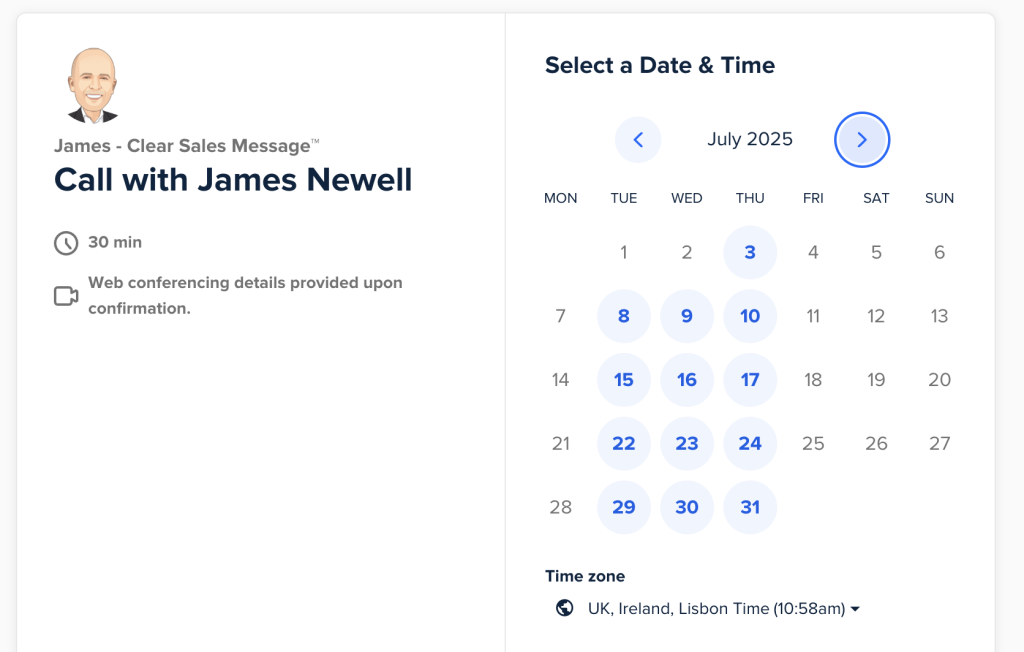
I use Calendly for some client calls, along with a custom URL to direct people straight there. That small combination of a booking tool and a clean link cuts down on friction and wasted time, so a prospect goes from interested to booked in a single click.
See Also