Practical Sales Training™ > How To Convert > Pre-Filled Forms

Pre-Filled Forms
A blank form feels like homework. Every empty field is one more reason to close the tab and finish it later, which usually means never.
Pre-filled forms remove most of that homework before your buyer even sees the page. You already know their name, so why make them type it again?
What Are Pre-Filled Forms?
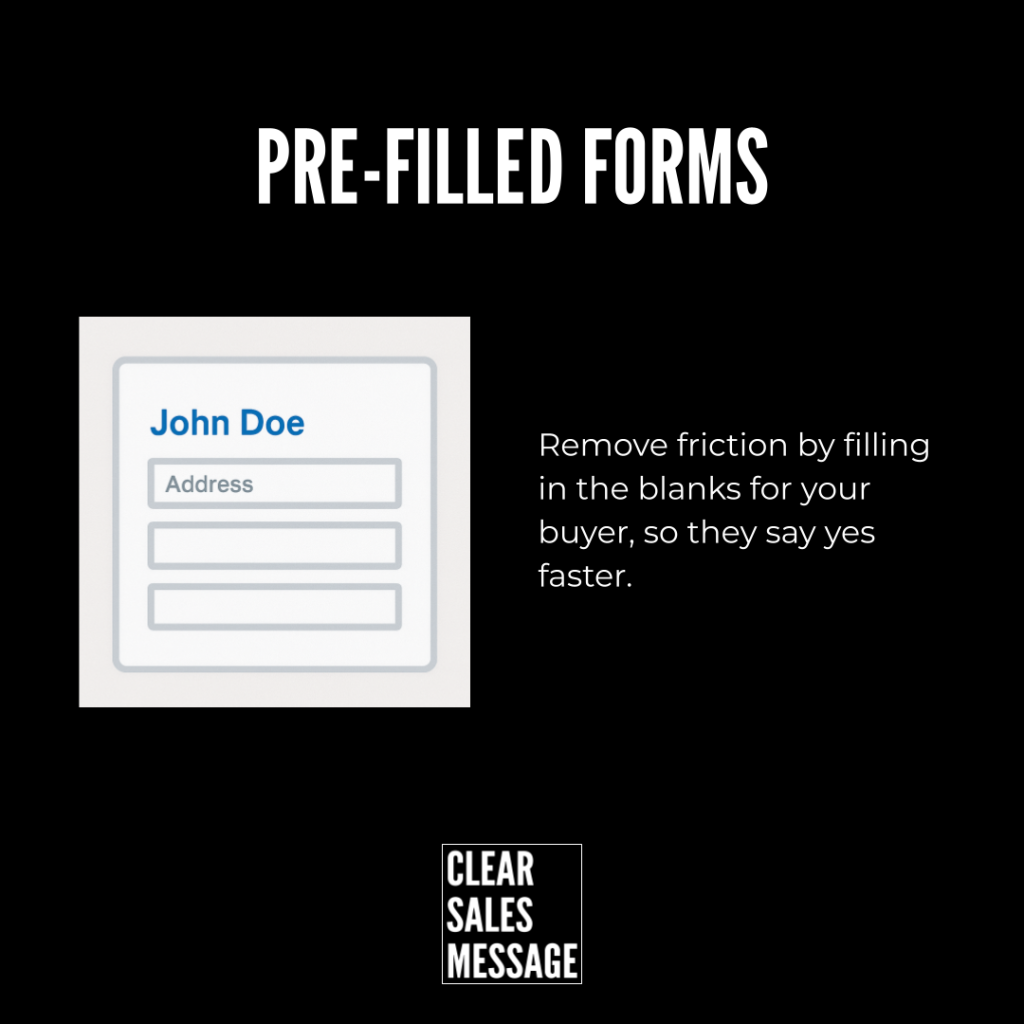
Pre-filled forms use known information to automatically complete parts of a form before your prospect sees it. Instead of starting from scratch, they finish faster, with less effort and fewer errors.
That small shift raises the chances someone actually finishes and submits the form, rather than abandoning it halfway through.
Why Does It Work?
Every extra field in a form creates friction. The more you ask for, the less likely someone is to complete it. Pre-filled forms cut that friction by automatically filling in details you already have, like name, email, company, phone number, product selected, or previous answers.
A returning customer sees their details already filled in. A sales quote form arrives with key fields pre-completed. A proposal form contains products you’ve already discussed, ready and waiting.
The prospect only needs to check or complete what’s missing. Less effort means higher conversion, since you’ve removed the exact moment where most people give up.
How Can You Use Pre-Filled Forms?
Quote Request Forms
Pre-fill known customer information to speed up every request. A returning enquirer shouldn’t have to retype details you already have on file.
Proposal Acceptance Forms
Pre-complete items you’ve already discussed to reduce errors. This also reassures the buyer that you were actually listening during your earlier conversation.
Account Creation Forms
Use information from a previous step to simplify sign-up. A shorter path from interest to account often means the difference between a completed sign-up and an abandoned one.
Upsell Or Cross-Sell Offers
Auto-fill preferences or purchase history to personalise an offer. A form that already reflects someone’s past choices feels tailored, not generic.
Appointment Or Event Registration
Use previously submitted data to reduce repetitive entry. Nobody wants to retype their name and email for the third event in a row.
Surveys And Feedback Forms
Pre-load known answers to encourage a higher response rate. A shorter, partially completed survey feels far less daunting than a blank one.
When It Works Best
Pre-filled forms work best for returning customers or anyone further along in a sales process, since you’ll already hold genuine data to draw from. They also work well on longer forms, where the friction of starting from scratch is highest.
They’re especially effective right after a conversation, like a sales call or quote discussion, since the form can reflect exactly what was already agreed.
When It Becomes Dangerous
This backfires the moment the pre-filled data is wrong. An incorrect name or outdated detail damages trust instantly, since it signals your records aren’t being kept properly.
It also raises privacy concerns if a buyer feels like you know more about them than they expected. Be transparent about where the information came from, or the convenience can start to feel invasive.
Common Mistakes
Pre-Filling With Outdated Data
Old or incorrect details erode trust fast. Keep your source data current, or the convenience turns into a visible mistake sitting right on the form.
Making Fields Impossible To Edit
A pre-filled field that can’t be corrected frustrates anyone whose details have changed. Always allow easy edits, even on fields you’re confident about.
Ignoring How It Might Feel Invasive
Too much pre-filled detail can feel unsettling rather than helpful. Match the amount you pre-fill to how much context the buyer would expect you to already have.
Pre-Filled Forms – An Example
Facebook Lead Ads
Facebook Lead Ads are a strong example of this technique in action. When someone taps an ad, their name and contact details are already populated in the form, pulled straight from their Facebook profile. That single feature turns a form that would normally take a minute to complete into something a buyer can submit in seconds.

See Also