Practical Sales Training™ > How To Get Attention > Campaign URL

Campaign URL: A Cleaner Link That Still Tracks Everything
Nobody wants to read a link stuffed with question marks and code. So a campaign URL hides all of that away, while still quietly doing the tracking job behind it.
You get the data without the mess.
What Is It
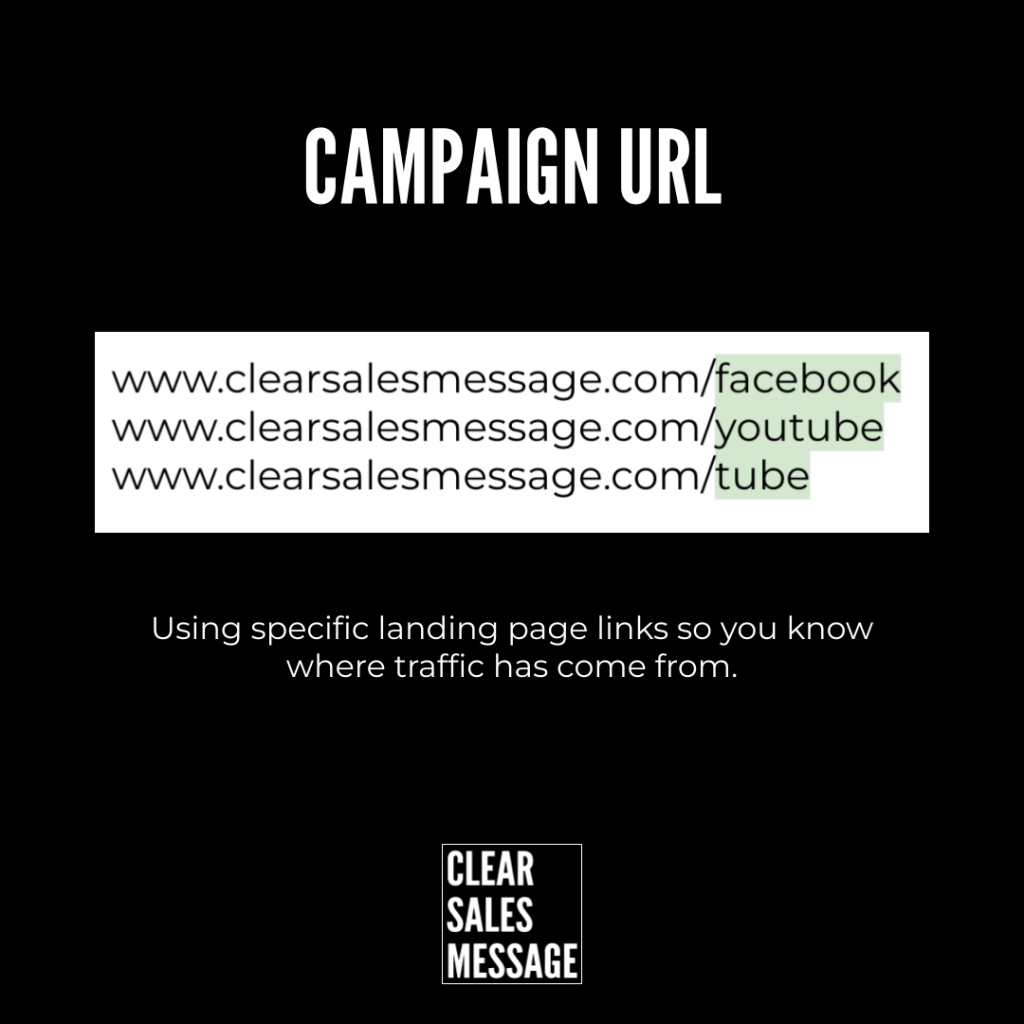
A campaign URL is a custom, shortened link, something like clearsalesmessage.com/facebook or /youtube. It redirects to your main website, while quietly capturing where the visitor came from.
Instead of adding visible UTM parameters to the end of a link, you get something cleaner and more branded. The tracking still happens. It just happens out of sight.
Why Does It Work
Each campaign URL is unique, and it redirects through a tracking tool that logs the source behind the scenes. So you still know exactly where your traffic came from, without cluttering the link itself.
It also looks more professional and trustworthy to your audience. A clean link reads as confident. One full of tracking code reads as an ad instead, and that alone can affect your click-through rate.
How Can You Use It
Set Up The Redirect
Create your campaign URLs using link shorteners, redirection tools, or a custom redirect built directly on your own website. Set up clearsalesmessage.com/instagram to redirect to your landing page, with UTM tracking running quietly in the background.
Log Every Link You Create
Keep a simple spreadsheet or campaign tracker. Note down which custom link you’ve created, and exactly where you’re using it. So this one habit saves you from a confusing mess later.
Review What Each Source Is Doing
Then check your analytics regularly. Look at how each traffic source is actually performing, not just how many clicks it collected.
When It Works Best
This works best when you’re promoting across several channels at once, since a branded link keeps every version feeling consistent. It also works best when the audience seeing the link cares about polish. A clean URL signals more care than a messy tracking string ever could.
When It Becomes Dangerous
It becomes dangerous the moment you lose track of what points where. Create enough custom links without logging them, and you’ll eventually forget which one goes to which page.
It’s also risky if the redirect tool itself goes down or gets discontinued. Every link depends on that middle step working. So a cleaner URL is only as reliable as the system quietly running behind it.
Common Mistakes
Losing Track Of Which Link Goes Where
Without a log, custom links become a guessing game within weeks. Write it down the moment you create it, not after you’ve already forgotten.
Choosing A Slug That’s Hard To Say Or Type
A clever or overly long slug defeats the whole purpose. Keep it short, obvious, and easy to say out loud to someone else.
Never Checking Whether It’s Actually Working
Setting up the redirect is the easy part. But the real value only shows up once you actually look at what each link brought in.
Campaign URL – An Example
One Offer, Several Audiences
I run a podcast, a newsletter, and social media, all promoting the same offering to different audiences. To know who came from where, I adapt the link I share with each group.
clearsalesmessage.com/youtubeclearsalesmessage.com/newsletterclearsalesmessage.com/podcast
Each link points to the same destination. But each one tells me exactly which audience actually clicked through.
See Also
- Lead Source
- The DM Word Effect
- The Simplified URL Effect
- 100+ ways to seize buyer attention
- 100+ ways to be more memorable