Practical Sales Training™ > How To Convert > Clickable Email

What is it?
The Clickable Email technique displays your email address as an image rather than plain text. This helps prevent spambots from scraping your address while still making it simple for real people to contact you.
When combined with a clickable link behind the image, prospects can still click to open an email draft — but the visible address is harder for bots to harvest.
How does it work?
When you display your email address as plain text on your website or online content, spam bots can easily detect and store it, often leading to an increase in unwanted spam.
The Clickable Email technique works like this:
-
You create a small image of your email address (e.g. [email protected]).
-
You place this image where your email would normally appear.
-
You hyperlink the image using a
mailto:link, so when a real person clicks it, their email program opens automatically. -
Spam bots can’t easily read the image, reducing the risk of your email being scraped.
The result: real people can still contact you with one click, but you stay protected from automated spam.
How can you use it?
You can apply Clickable Email anywhere you want to publish an email address safely:
-
On your website contact page:
Show your email as an image but still allow easy click-to-email. -
In your email signatures:
Use image-based emails that remain clickable but are harder for bots to scrape. -
On online PDFs or downloads:
Embed image-based email addresses in public-facing documents. -
On social media or profile bios:
Post your email address as an image to stay visible but protected.
Example
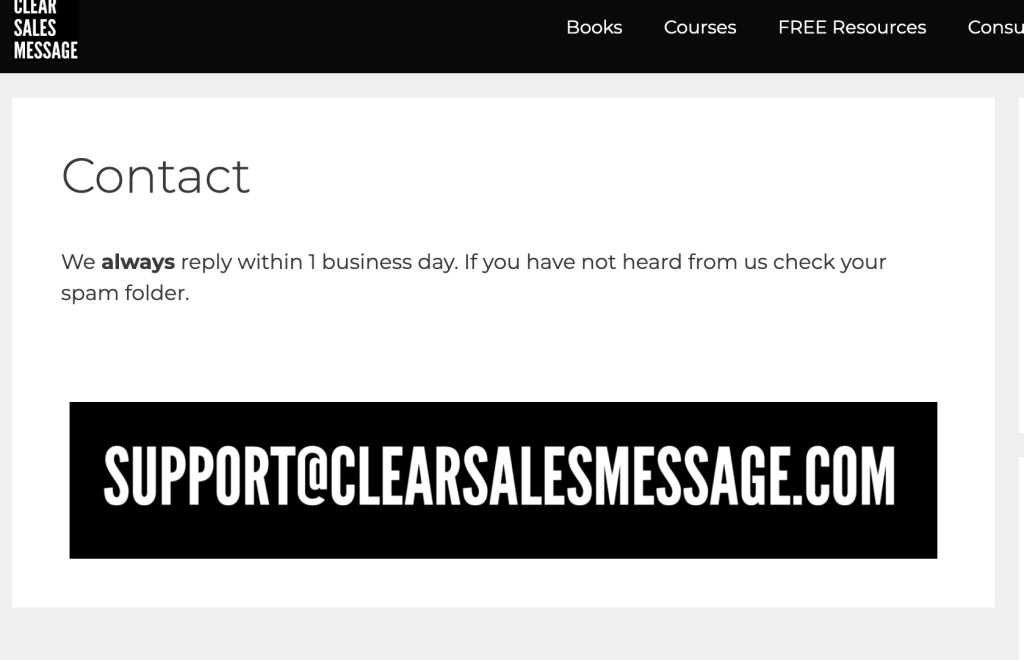
The Clear Sales Message™ website uses an image of the contact email rather than the text.
See also