Practical Sales Training™ > How To Convert > Interactive Images
Interactive Images
Most images just sit there. The buyer looks, moves on, and takes nothing with them. The image existed but it did no work.
An interactive image is different. It invites the buyer in. They click a hotspot, hover over a detail, or zoom into a spec. So instead of passively scanning, they’re actively exploring. And engaged buyers are far more likely to buy.
It’s a small change to how you present information. But the difference in attention and understanding can be significant.
What Are Interactive Images?
Interactive images are visuals that users can click, hover over, zoom into, or explore to reveal extra information. Rather than cramming every detail into a caption, the image carries the content. The buyer pulls it out when they’re ready.
For example, a product shot where clicking a component reveals its spec. Or a map where hovering over a region shows relevant data. Each section can expand to explain what it does. So the image becomes a tool, not just decoration.
The key difference is control. The buyer decides what they look at and when. That makes the experience feel personal rather than prescriptive.
Why Do Interactive Images Work?
Buyers don’t read everything. They scan, they skip, and they stop when something catches their eye. An interactive image catches the eye and then rewards the curiosity. That’s a powerful combination.
There’s also a psychological principle at play. When someone actively explores information rather than passively receiving it, they retain more of it. The act of clicking or hovering creates a small moment of discovery. And discoveries stick.
Confused people don’t buy. But interactive images reduce confusion by letting buyers find the specific detail they need, without wading through everything else. The right information reaches the right person at the right moment.
How Can You Use Interactive Images In Sales?
Think about where buyers get lost or ask the same questions repeatedly. That’s usually where an interactive image can do the most work. If you’re explaining something over and over, the image should be explaining it for you.
The goal is to reduce friction in the decision. Every question a buyer has to ask is a delay. So every detail they have to hunt for is a reason to pause. Interactive images answer questions before they get asked.
Product and service breakdowns
If your offering has multiple components or features, an interactive image lets buyers explore each one without feeling overwhelmed. Show the whole picture first. Then let them dig into the parts that matter to them. This works especially well for technical products, tiered services, or anything with a lot of moving parts.
Proposals and presentations
A static slide deck tells the buyer what you want them to know. An interactive image lets them explore what they want to know. Including one in a proposal immediately makes it feel more relevant – because the buyer shapes their own experience of it. That’s a harder thing to ignore.
Website and landing pages
On a web page, interactive images increase dwell time – how long a visitor stays on the page. That helps SEO and conversion. A buyer who spends two minutes exploring your product image is far more invested than one who glanced and scrolled past.
When Interactive Images Work Best
When your offering has depth that a single static image can’t show. Complex products, multi-stage services, and data-rich content are all strong candidates. In short, the more a buyer needs to understand before they commit, the more an interactive image can carry that load.
When Interactive Images Become Dangerous
When they add complexity instead of removing it. If the image needs instructions to use, or the interactions feel gimmicky, they create friction rather than removing it. An interactive image has to make things easier to understand – not more impressive to look at. If the buyer has to think about how to use it, it’s already failing.
Common Interactive Image Mistakes
Most businesses either avoid interactive images because they seem technical, or they use them as a design feature rather than a sales tool. Both approaches miss the point.
Hiding the wrong information
The content behind each interaction has to be worth finding. If clicking a hotspot reveals something generic or obvious, the buyer feels like they wasted a click. So every piece of hidden content should answer a real question or remove a real doubt. Otherwise the interactivity just draws attention to how little there is to say.
Making it too complicated
Buyers won’t figure out a new interface just to learn about your product. If the interaction isn’t immediately obvious, most people will skip it. So keep things simple and consistent. The image should feel like it’s helping, not testing.
Interactive Images – An Example
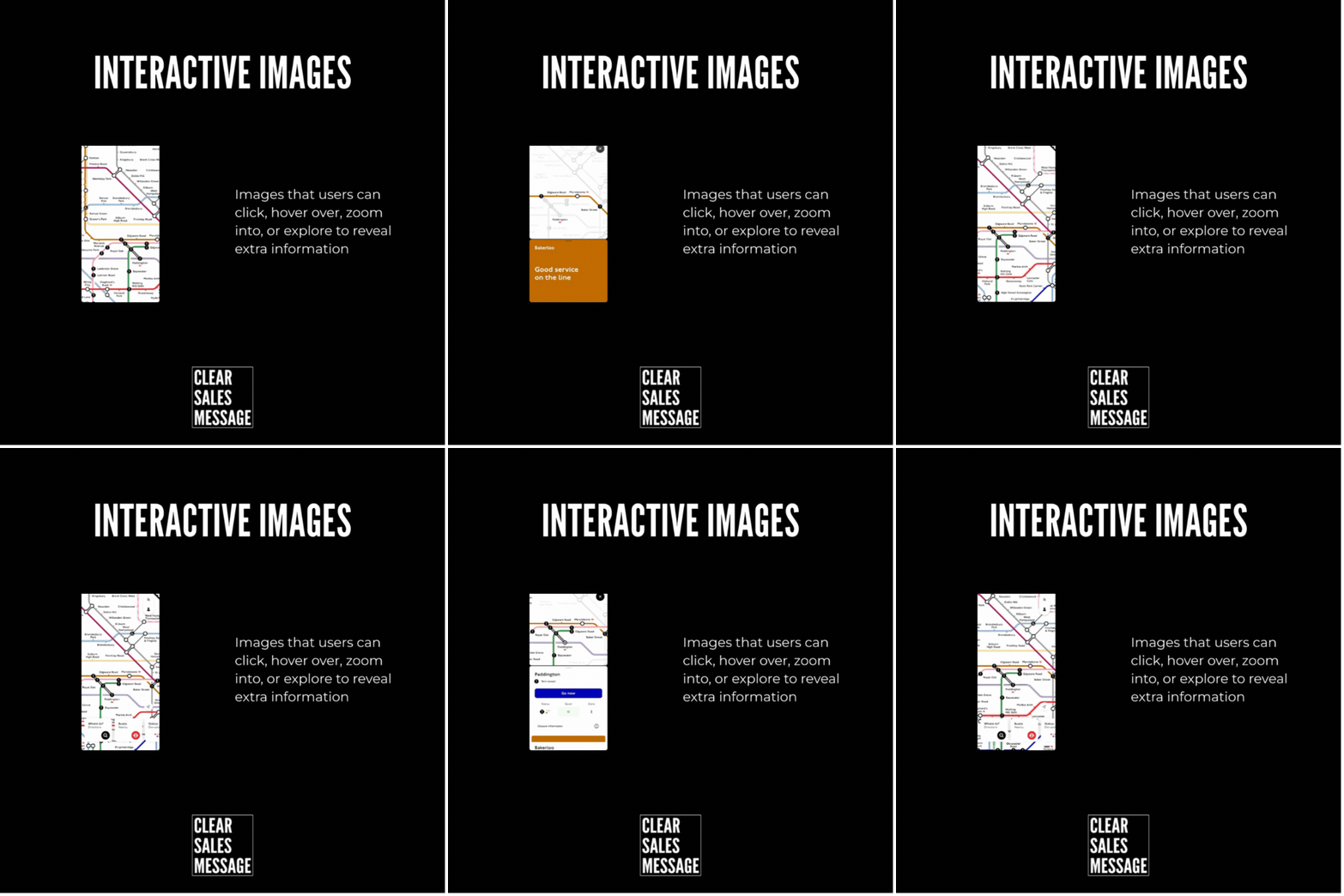
A London Underground map is a good example. The full map is complex – dozens of lines, hundreds of stations. But zoom into a section or tap a line and it starts to make sense for your journey. The information was always there. The interaction just made it relevant to you.
That’s what a good interactive image does in sales. It takes something complex and makes it personal. The buyer sees what matters to them, in the detail they need, without getting lost in everything else.
See also
- 180+ ways to improve conversion
- 150+ways to connect to your buyer
- 360 degree viewing
- The Diagram Effect