
Practical Sales Training™ > How To Convert > The Use Case Effect
The Use Case Effect
What Is It?
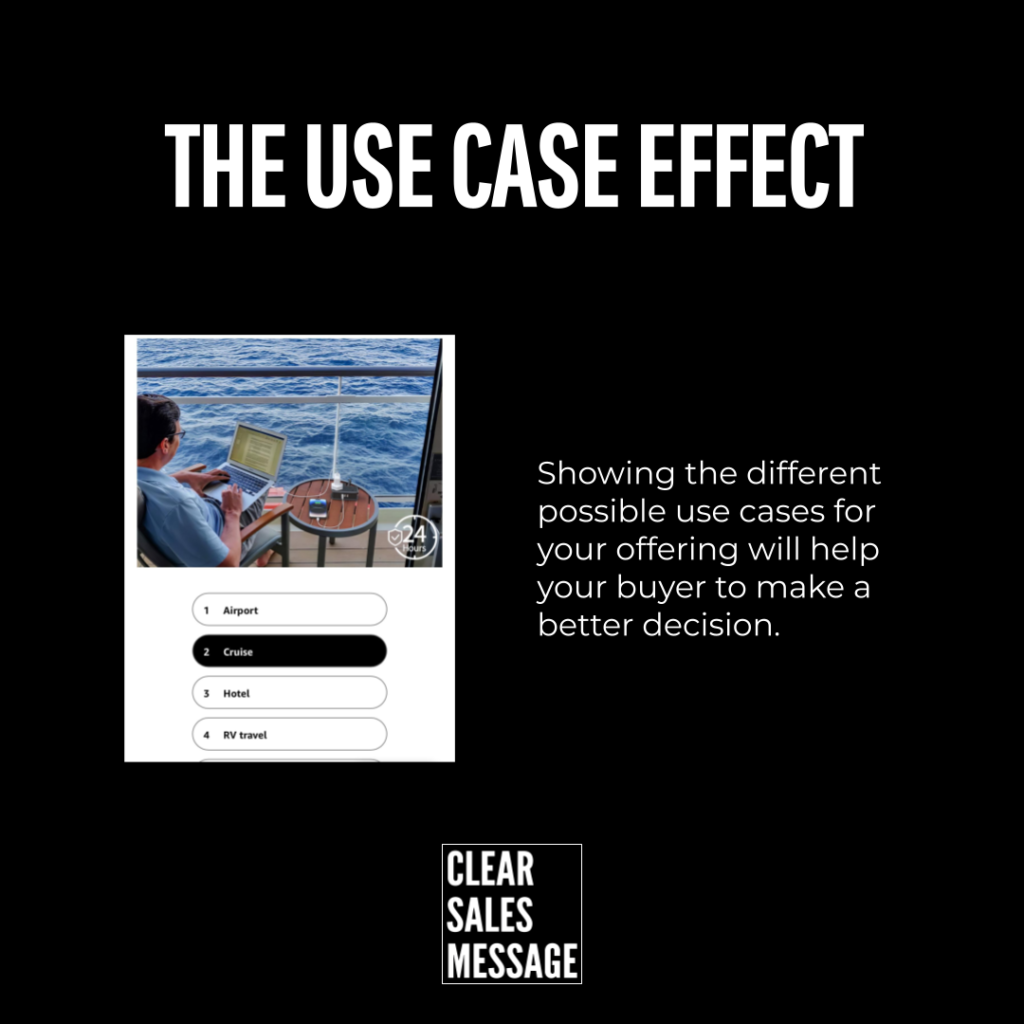
Buyers sometimes need you to show them exactly how to use what you sell. Only then do they realise how much they actually need it. Once they see themselves using it, buying starts to feel obvious.
Why Does It Work?
It works for two clear reasons.
The Seller Is The Expert
Buyers often look to you for direction. They defer to your expertise in the moment. So whatever use you suggest carries real weight. That’s simply because you’re seen as the authority.
The Buyer May Not Have Thought Of It
Your buyer may genuinely not have thought of a use case. Nobody told them. Being explicit removes that gap entirely, and often lifts conversion as a result.
How Can You Use It?
Think through the types of buyers who’ll actually use your offering. Then be explicit about:
- The problems you solve
- The features of your offering
- The potential use cases
When It Works Best
This works best when your product could serve several different needs. Buyers often only picture one of them. It also helps when you’re competing against a familiar habit. Think an old process, or a basic spreadsheet.
When It Becomes Dangerous
This becomes risky if the use cases you describe feel exaggerated or unrealistic. Buyers can spot a stretched example fast. It undermines every genuine point you make alongside it.
Common Mistakes
Assuming Buyers Connect The Dots
Don’t just list features and assume buyers will connect the dots themselves. Most won’t bother making that leap on their own.
Staying Too Generic
Never describe a use case so generic it could apply to any product. Specificity is what makes a buyer picture themselves actually using it.
The Use Case Effect – An Example
A Project Management Tool
A software company sells a project management tool. But prospects often say they don’t need another app. They already use spreadsheets. Instead of just listing features, the salesperson explains specific use cases:
“Our tool lets you assign tasks with automatic reminders, track deadlines in real-time, and instantly see where projects are stuck. For example, our clients often use it to manage product launches or coordinate marketing campaigns without endless email chains.”
By showing how the tool works in real scenarios, the buyer sees the gaps. Right then, they realise why they need the software.
See also
- Suggested Serving
- The Repurposing Effect
- Visual Merchandising
- 140+ ways to be easier to buy from
- 180+ ways to improve conversion