

Practical Sales Training™ > How To Connect > Catchall Email
Catchall Email
People make typos. They guess at email addresses. They half-remember what they saw on a business card three weeks ago. So when they try to contact you, there’s a good chance what they type isn’t quite right.
Without a catchall email, that message bounces. The buyer gets an error. Some will try again. But many won’t. They move on, and you never know the contact was even attempted.
A catchall email fixes that. It catches everything sent to your domain and delivers it, however it was addressed. It’s one of the simplest things you can do to remove a barrier between you and your next buyer.
What Is a Catchall Email?
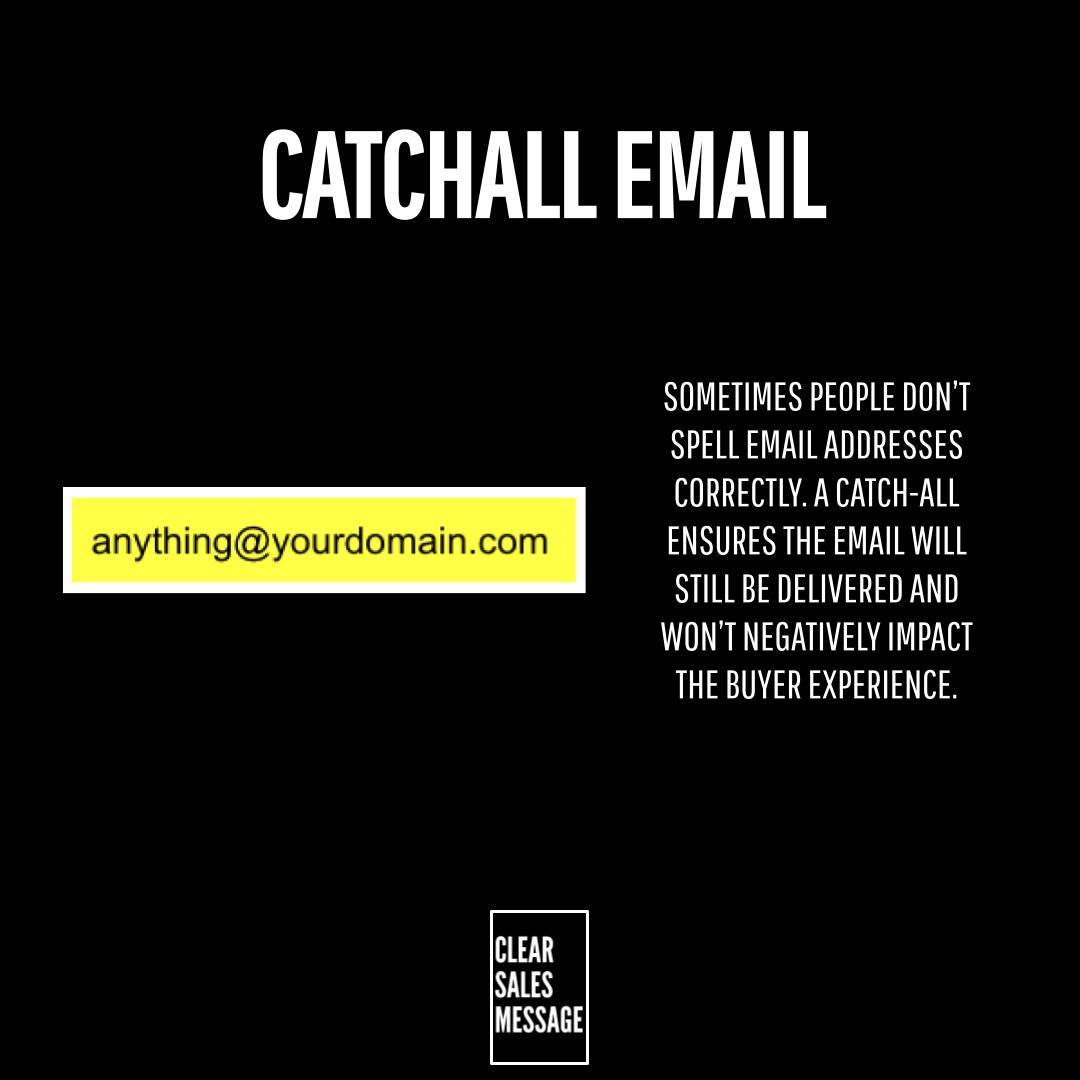
A catchall email means that [email protected] gets delivered to you. It doesn’t matter if someone typed [email protected], [email protected], or even a string of random letters. As long as the domain is right, the message arrives.
So instead of relying on buyers to get your exact email address right every time, you create a net that catches every attempt. The typos, the guesses, the half-remembered variations. They all come through.
It’s a behind-the-scenes setting, so buyers never know it’s there. But it protects every communication before it has a chance to get lost.
Why Does a Catchall Email Work?
It works because people spell things wrong. They guess. They forget. People are fallible, and that’s not going to change. So instead of expecting buyers to be perfect, you remove the need for them to be.
It also works because a bounced email rarely comes back. When a message fails to deliver, most buyers don’t dig into why. They assume you’re not reachable, or that they had the wrong details. As a result, they give up or go elsewhere.
A catchall removes that risk entirely. Because every message gets through, you never lose a lead to something as avoidable as a missing letter. That’s a path of least resistance win that costs you almost nothing to set up.
How Can You Use a Catchall Email In Sales?
Setting up a catchall email is straightforward. Depending on your email provider, you’ll find the option in your domain or email settings. It typically takes 5 to 10 minutes and only needs to be done once.
If you’re not sure how to set it up, search for how to set up a catchall email alongside the name of your email provider and you’ll find step-by-step instructions.
Pair it with a simple email address
A catchall works best alongside a clear, obvious email address. So give people something easy to remember, and let the catchall handle the moments when they still get it slightly wrong.
Check for spam regularly
Because a catchall accepts everything, it can attract more junk mail. However, a good spam filter handles most of this. Set one up at the same time and the extra noise stays manageable.
Use it as part of a broader contact strategy
A catchall email is one piece of a wider approach to making contact easy. The more barriers you remove, the more conversations you start. Therefore, combine it with the other touchpoint tools below for the best effect.
When a Catchall Email Works Best
It works best when your business relies on inbound contact. If buyers are reaching out to you, via your website, your ads, or word of mouth, a catchall makes sure none of those attempts fall through the cracks.
It’s also valuable when your email address is complex, long, or easy to misspell. Similarly, if your domain name has a tricky spelling or an unusual format, a catchall compensates for every variation buyers might try.
And it works well for any business that operates without a dedicated receptionist or contact team. Because there’s nobody catching bounced messages manually, the catchall does that job automatically.
When a Catchall Email Becomes Dangerous
The main risk is increased spam. Because every address at your domain now delivers, spam senders can hit you with a wide range of made-up addresses. So a strong spam filter is essential before you switch a catchall on.
There’s also a risk if your team doesn’t have a clear process for handling the catchall inbox. Messages addressed to random usernames need to land somewhere visible and get actioned. However, if they sit in an inbox nobody checks, the whole benefit is lost.
Also, a catchall won’t help if the domain itself is wrong. If a buyer types your address at the completely wrong domain, that message isn’t coming to you. So it’s still worth owning common misspellings of your domain name too.
Common Catchall Email Mistakes
Setting it up and never checking the inbox
A catchall only works if someone reads what comes in. So route it to an active inbox and check it regularly. Messages from potential buyers could be sitting there right now.
Not having a spam filter in place first
Turning on a catchall without spam protection is an open invitation to junk. Set up your filter before you activate it, not after. The two should always go hand in hand.
Thinking it replaces a clear email address
A catchall is a safety net, not a substitute for good contact details. Still give buyers an obvious, easy address to use. The catchall is there for when they still get it wrong, not instead of giving them something right to aim at.
Not telling your team it exists
If your team doesn’t know a catchall is in place, they won’t know to look for or act on the messages it catches. Therefore, make sure everyone who handles email knows how it works and where those messages land.
Catchall Email – An Example
A potential client tries to email a company called ShineBrightSolutions but types [email protected] instead of [email protected].
Without a catchall, the message bounces. The buyer gets an error and, because they don’t know why, they give up or go to a competitor instead.
But with a catchall in place, the message arrives as normal. The team responds, the conversation starts, and the lead is saved. A one-time 10-minute setup prevents that from ever being a problem again.
Simplifying Your Touchpoints
Making it easy for people to contact you and buy from you is one of the most overlooked parts of selling. Here are 9 ways to remove the friction:
- Catchall email – Never miss an email by ensuring that [email protected] gets delivered.
- Memorable phone number – If you want people to call you, make it easy for them to remember your number.
- Simple email address – Make it easy for people to email you by having obvious email addresses.
- Freephone / Freepost – If you want people to call or write to you, making it free removes every barrier.
- Simplified URL – Using a domain that’s easy to read, write, speak, spell, and remember makes life easier for your buyer.
- Start here domain – Make it easy for new buyers and clients to know how to interact with you.
- Misspelt domain – If there is a common misspelling of your name, it makes sense to own that .com domain too.
- DM Word – Make it easy for people to direct message you by giving them a keyword to use.
- QR Codes – Make it easy for people in the real world to find you online.
See Also